Google updates Gemini for Home with command and device fixes
Google’s second Gemini for Home update in October addresses several reported issues, including Home and Nest speakers or displays randomly saying “Sorry, I didn’t understand” without a voice command. Google also says it improved room-to-room music transfers, timer handling, cross-room volume controls and YouTube TV commands. The Google Home app update includes refinements for Matter devices, cameras and connectivity, including iOS event timelines, Android foldable live views, Nest camera Wi-Fi and night-vision switching. The update is rolling out to Android and iOS and may take several days to reach all users.
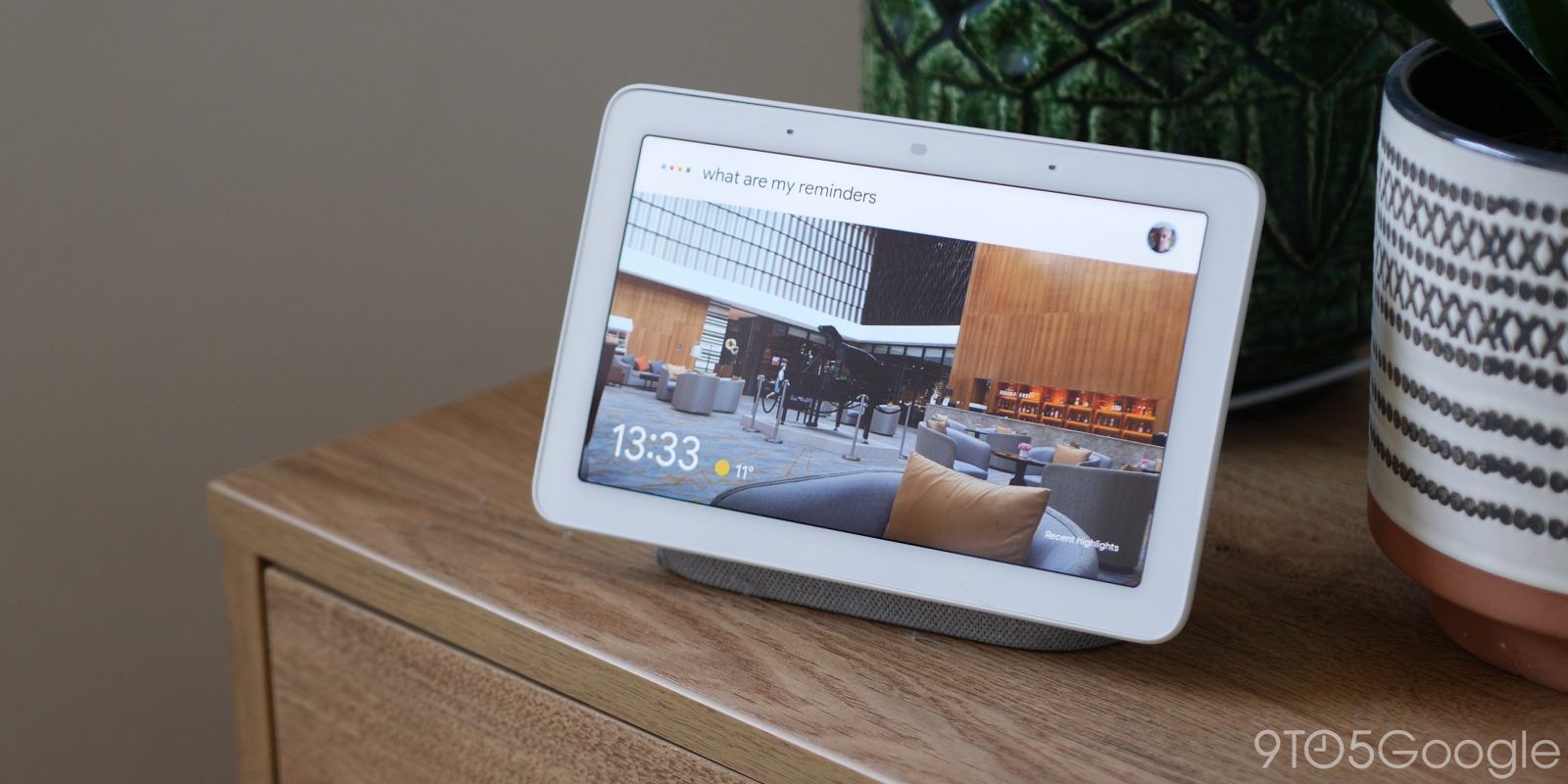
Google’s latest Gemini for Home update targets a few issues, like one where speakers randomly blurt out “I didn’t understand” when no one asks.
The second October Gemini for Home update was released by Google today. It bundles a few fixes with a lengthy section in the changelog dedicated to the Google Home app.
But there are six individual changes for Gemini within the Home app. One fix stands out the most, though. According to the update post, Google was aware that Home and Nest speakers/displays were facing a bug that would prompt them to say “Sorry, I didn’t understand” at random. That would happen unprompted, which is understandably a little unsettling. That strange bug should be fixed in this new update.
Further down, two fixes target Gemini’s ability to understand users on Google Home devices. For one, it would misunderstand requests to move music from one room to another. In other cases, it would incorrectly adjust sleep, media, or normal timers instead of the requested type. Both of those features will reportedly work as intended going forward.
#Google Home#Gemini#Matter#Google Nest#Nest Cam#Nest Doorbell#Google TV Streamer#YouTube TV#Nest Wi-Fi