Gemini Live redesign adds a plus menu for chat context on Android
Google is rolling out a redesigned Gemini Live interface in the stable Android Google app, version 17.68. A new plus button opens a carousel for screen sharing, photos, files, and Drive, replacing the previous requirement to add items through the Gemini overlay before starting a live session. 9to5Google says the menu is unavailable when Gemini Live is launched from the overlay and is not yet available on iOS.
The update gives Android users a more direct way to add visual and file context to Gemini Live conversations, though it changes the screen-sharing workflow and remains limited to in-app launches on Android.
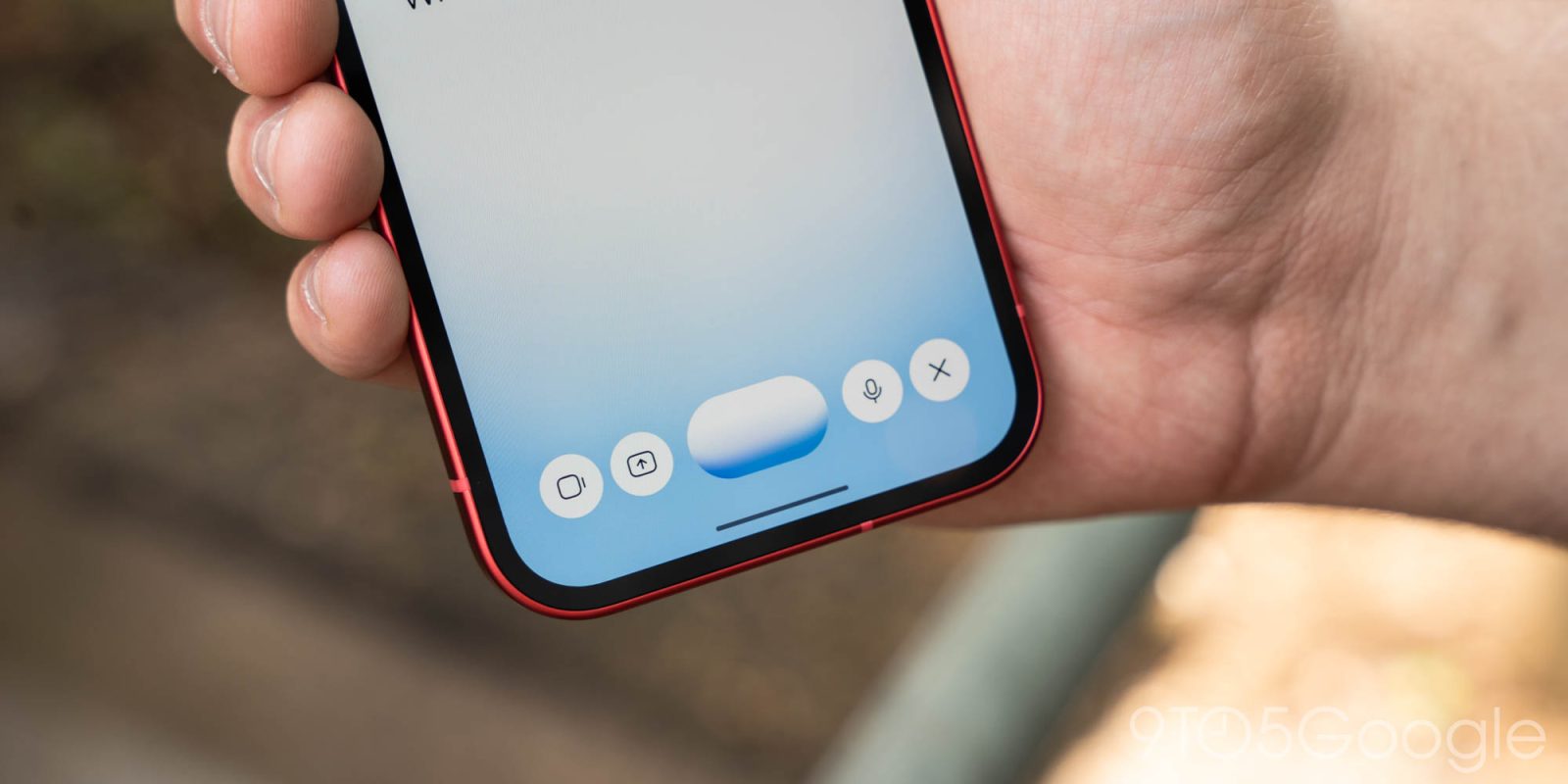
Following the other big interface updates this month, Google is rolling out a small ‘plus’ redesign to Gemini Live on Android that lets you more easily add photos and files.
When you activate Gemini Live inside the app, you’ll notice a new ‘plus’ button at the left. Tapping brings up a familiar carousel with the following actions: Share screen, Photos, Files, and Drive. Previously, you first had to add items to the Gemini overlay and then go Live.
It’s now an extra step to share your screen, while the camera button has moved next to the waveform. There are no changes to the microphone mute switch or close button at the right.
The new plus menu is not currently available when you launch Live from the Gemini overlay.
Advertisement - scroll for more content