Chrome 156 rolls out for Googlebook OS with fixes and shortcuts
Google is rolling out Chrome 156 for Googlebook OS through the Play Store, with reports describing the release as already widespread or continuing over the coming days. The update addresses extension and tab-related crashes, website compatibility, fullscreen keyboard handling, downloads, Google Docs copying, and address-bar editing, while also refining AI Mode menus. Multiple Chrome profiles, tab-group syncing, and automatic Google Cast discovery remain in development.
Chrome 156 consolidates stability, compatibility and usability fixes for Googlebook OS, including improvements to extension handling, keyboard shortcuts, downloads and the address bar.
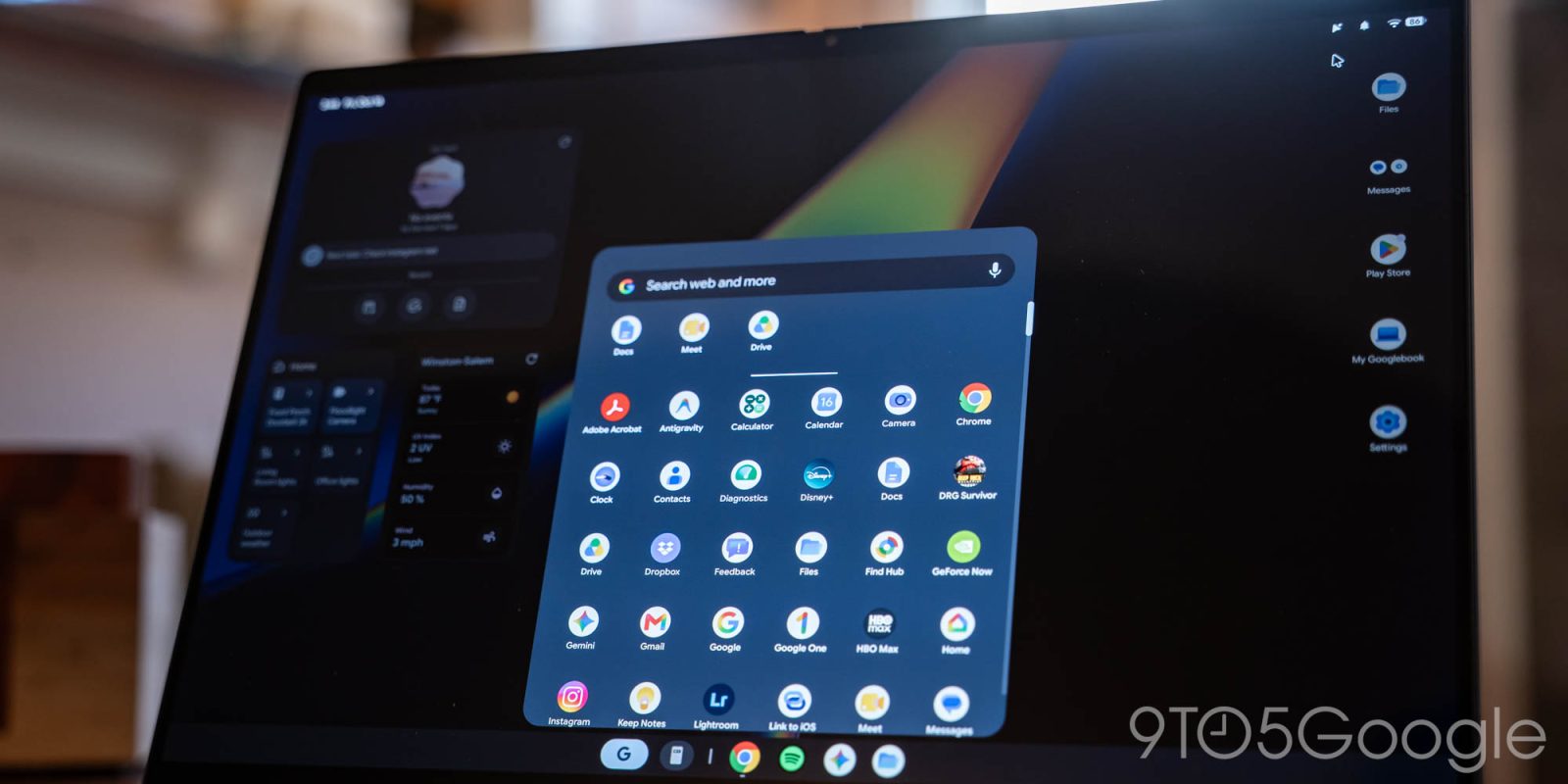
Google is rolling out Chrome 156 for Googlebooks with a slew of improvements and bug fixes. This follows the last browser update two weeks ago.
In terms of “New Features,” there’s “Hover Tooltips in the AI Mode Menu: Items in the address bar’s AI Mode menu now show tooltips on mouse hover.”
The remaining 13 updates today are classified as “Improvements.” On the keyboard shortcuts front:
- Alt+Tab: Alt+Tab now switches windows on Fullscreen sites and apps when keyboard lock is on, as it does on ChromeOS, Mac and Windows. Users no longer need to hold Esc to exit before switching tabs.
- Alt+Shift+Enter Shortcut: Alt+Shift+Enter now opens the typed query in a new background tab and keeps you on the current page.
- Up/Down Arrows in Multi-Line Address Bar Text: Up/Down arrows now move the cursor between lines for easier editing when typed text wraps to multiple lines. Suggestions are hidden.
#Google Chrome#Chrome 156#Googlebook OS#Google Play#Google Docs#Google Cast#AI Mode