How to build iPhone Shortcuts with Apple Intelligence (and why it's worth it)
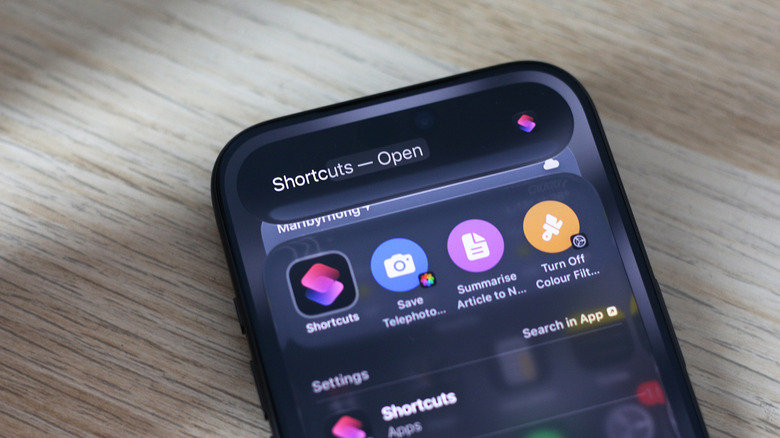
Engadget's writer tested Shortcuts' natural-language generation on iOS 27 with an Apple Intelligence-capable iPhone: open the Shortcuts app, tap the “+” button and describe the automation you want, and the AI assembles the actions, which can still be edited like any normal shortcut. He says the feature rarely refuses outright but often returns a solution that doesn't do what was asked — a request to “turn my iPhone off when the battery goes below 20 percent” merely locked the screen, and toggling grayscale in and out of Instagram took two shortcuts to get right. Separately, manually built shortcuts can use a “Use Model” action that routes requests to Cloud, Cloud Pro, On-Device models or ChatGPT and feeds the response into later steps. Results are hit or miss, he warns, so tap Edit and check the assembled actions before relying on them.
How to create iPhone Shortcuts with Apple Intelligence (and why you should)
One of the few places where Apple Intelligence actually makes a difference.
By Adnan Ahmed Oct. 17, 2026 9:00 am EST
Adnan Ahmed for Engadget
#Apple#Apple Intelligence#Shortcuts#iOS 27#iPhone#ChatGPT#OpenAI