Google Tests Gemini Sidebar Redesign and Overlay Animation
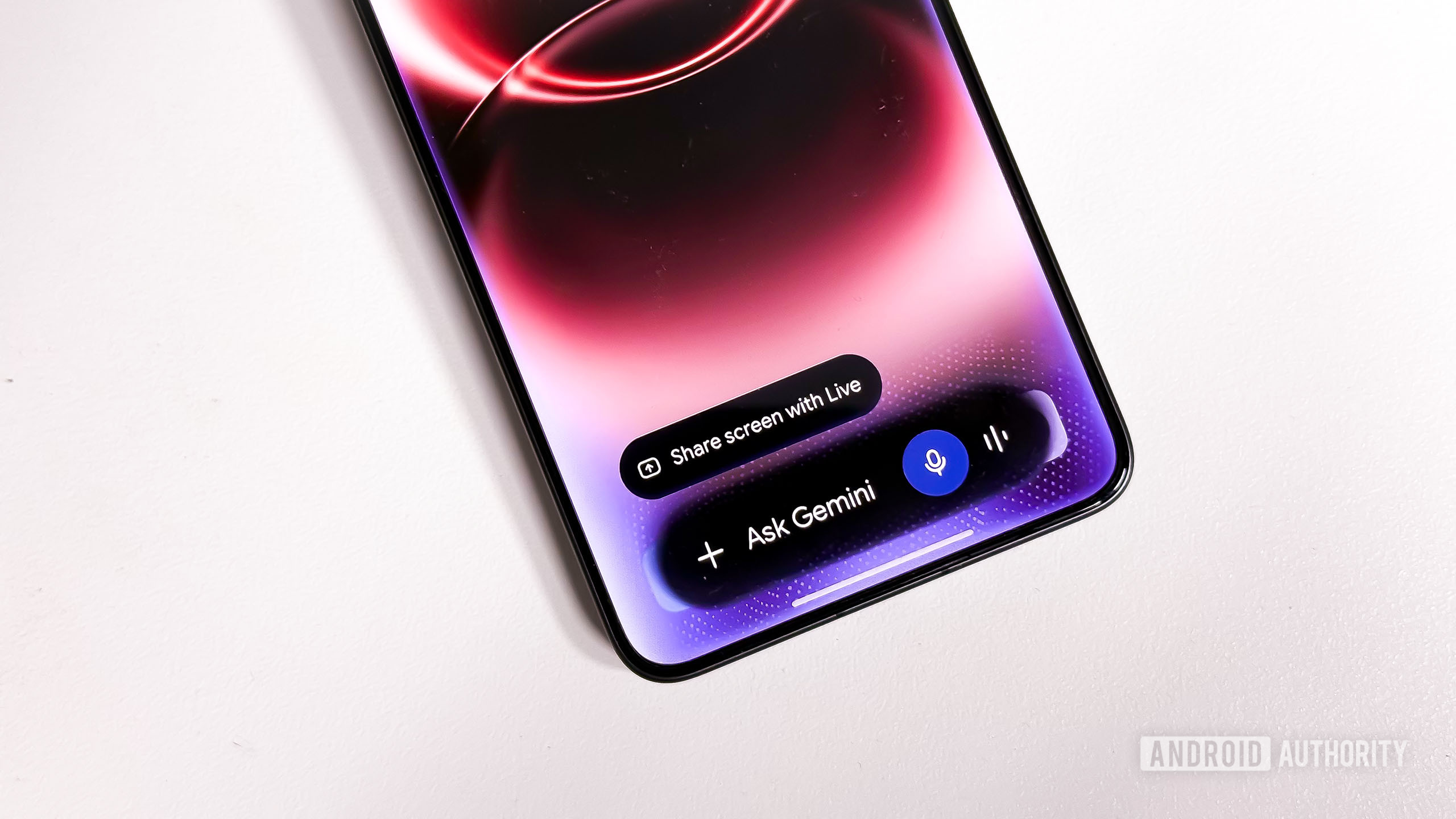
Android Authority reports that Google is testing a Gemini app sidebar redesign that moves the New chat button toward the bottom for easier one-handed use, while relocating the settings icon and removing the account switcher from the sidebar. The company is also testing a modified Gemini overlay animation, with additional search-history shortcuts appearing in an under-development You tab of the Google app. These findings come from work-in-progress code, and Android Authority says it is unclear whether or when the changes will reach users.
The changes could make Gemini conversations easier to start on phones and improve the app’s interaction design, but they remain unconfirmed tests based on an APK teardown.
Akshay Gangwar / Android Authority
Add Android Authority on Google:
TL;DR
- The Google Gemini app is working on moving the New chat option from the top of the sidebar to the bottom.
- Google is also testing a slightly modified animation for the Gemini overlay.
- We have also spotted a new Shortcuts section in the Google app’s under-development You tab, containing options to view or erase search history.
The Google Gemini app is testing a new way to start new chats from the sidebar, making it better suited for one-handed use. Currently, starting a new chat from the Gemini sidebar requires users to reach all the way to the top of the screen, but a future update could change that.