Gemini Live安卓版新增上下文菜单
Google正在稳定版Android谷歌应用17.68中推出重新设计的Gemini Live界面。用户可点击左侧新增的加号按钮,从菜单中选择共享屏幕、照片、文件和Drive,无需再先通过Gemini浮层添加内容后进入Live会话。9to5Google称,从浮层启动Gemini Live时无法使用新菜单,iOS也尚未支持该功能。
此次更新简化了Android用户为Gemini Live对话添加图片、文件和Drive内容的方式,但共享屏幕多了一步操作,目前也仅限应用内启动。
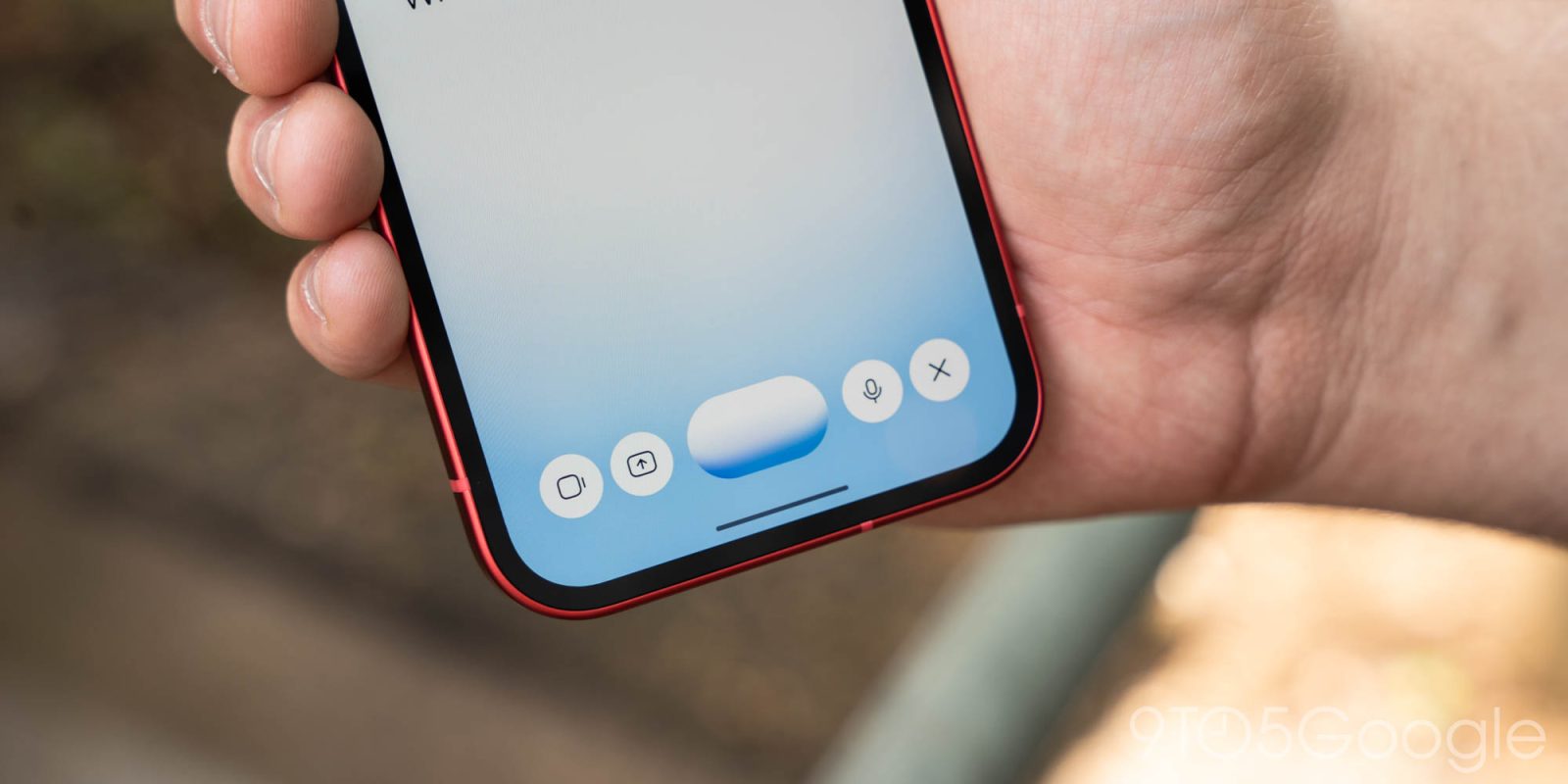
Following the other big interface updates this month, Google is rolling out a small ‘plus’ redesign to Gemini Live on Android that lets you more easily add photos and files.
When you activate Gemini Live inside the app, you’ll notice a new ‘plus’ button at the left. Tapping brings up a familiar carousel with the following actions: Share screen, Photos, Files, and Drive. Previously, you first had to add items to the Gemini overlay and then go Live.
It’s now an extra step to share your screen, while the camera button has moved next to the waveform. There are no changes to the microphone mute switch or close button at the right.
The new plus menu is not currently available when you launch Live from the Gemini overlay.
Advertisement - scroll for more content