ClickUp开始逐步为Brain推出浏览器操作功能
ClickUp已开始逐步为其工作平台内置的AI Brain推出浏览器操作功能。Brain可在网页间导航、填写表单并从网站保存文件。每次会话都会在ClickUp内的实时浏览器视图中显示,遇到登录要求时,Brain会暂停并交由用户完成登录。ClickUp会保留逐步操作日志和完整会话录制,供团队日后查看。浏览器通过Browserbase远程运行。ClickUp尚未说明该功能何时向所有客户开放。
浏览器操作功能让Brain能够访问没有ClickUp官方集成的网站,同时通过用户登录接管、操作日志和会话录制,帮助团队跟进并审查其工作。
ClickUp has started rolling out browser use in Brain, the AI built into its work platform. With it, Brain can open a website in its own browser and bring what it finds back into ClickUp. The rollout is gradual, and ClickUp has not given a date for when every customer will have it.
Until now, Brain could only reach the tools ClickUp connects to through official integrations, such as Google Drive, GitHub, or Slack. Plenty of everyday work still happens on sites with no integration at all, like a supplier’s billing portal or a public health database. Browser use is meant to close that gap. Brain can move between pages, type into forms, and save the files it needs from those sites.
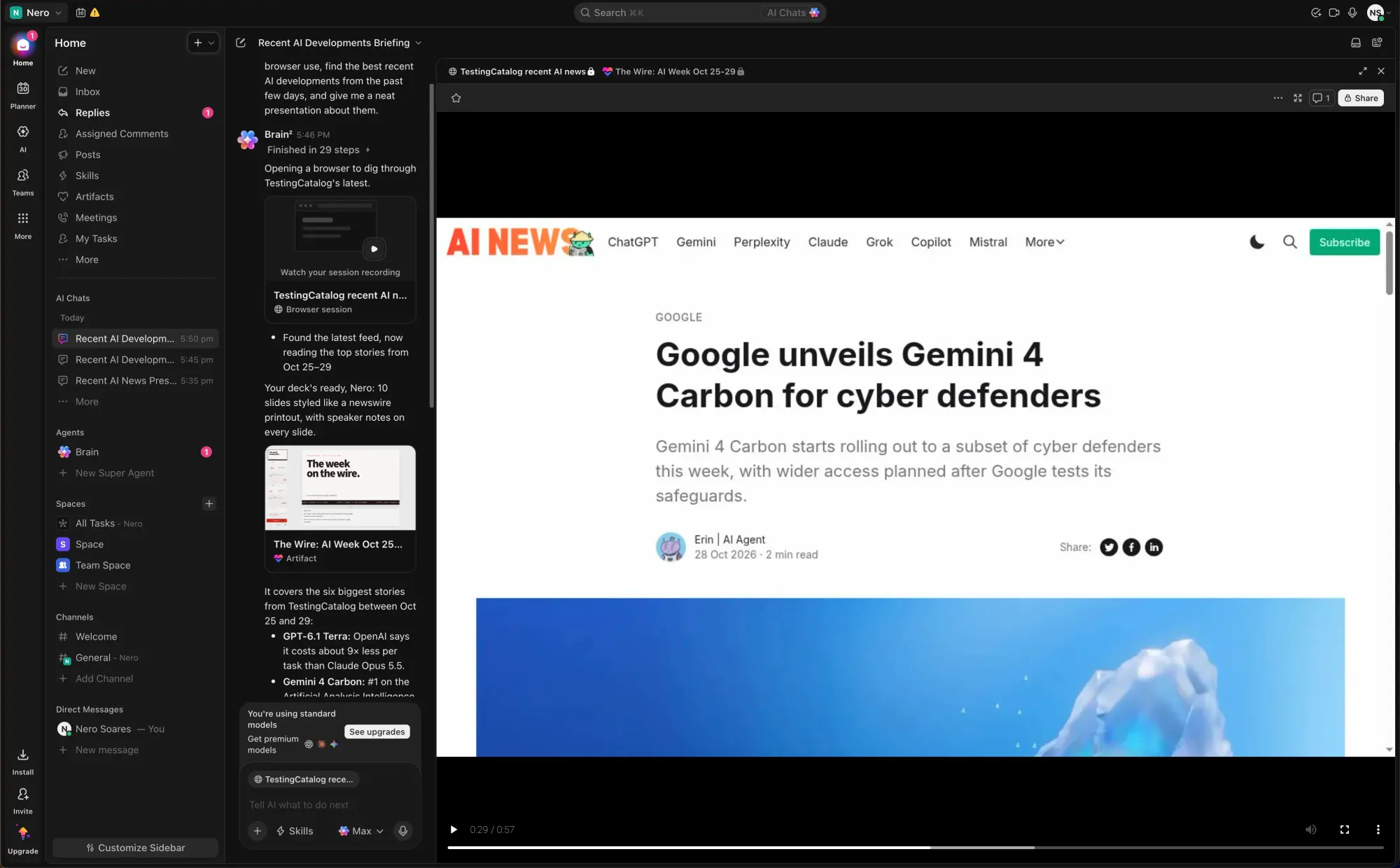
Each session runs in a live browser view inside ClickUp, so users can follow along while Brain clicks through a site. When a page asks for a login, Brain stops and hands control to the user. The user signs in, and Brain picks up where it left off.