iPadOS 27.2 据报新增选中文本弹出 Siri 功能,沿用 Mac 设计
据 9to5Mac 报道,定于下周发布的 iPadOS 27.2 引入了近期 Mac 上的一项交互:选中文本时,选区左上角会出现一个小 Siri 图标,光标悬停其上会展开“Ask Siri”输入框。报道称该功能在 iPad 上需要连接触控板;若未连接触控板,选中文本后仍会显示完整编辑菜单,可通过点按打开 Siri。该行为在 iPadOS 27 中并未提供,9to5Mac 将其与语音唤醒、编辑菜单和独立 Siri 应用等现有调用方式并列介绍。
这说明 Apple 正把 macOS 上的 Siri 交互方式延伸到 iPad,但报道将其定位为小版本中的便利改进,而非新的 AI 能力。
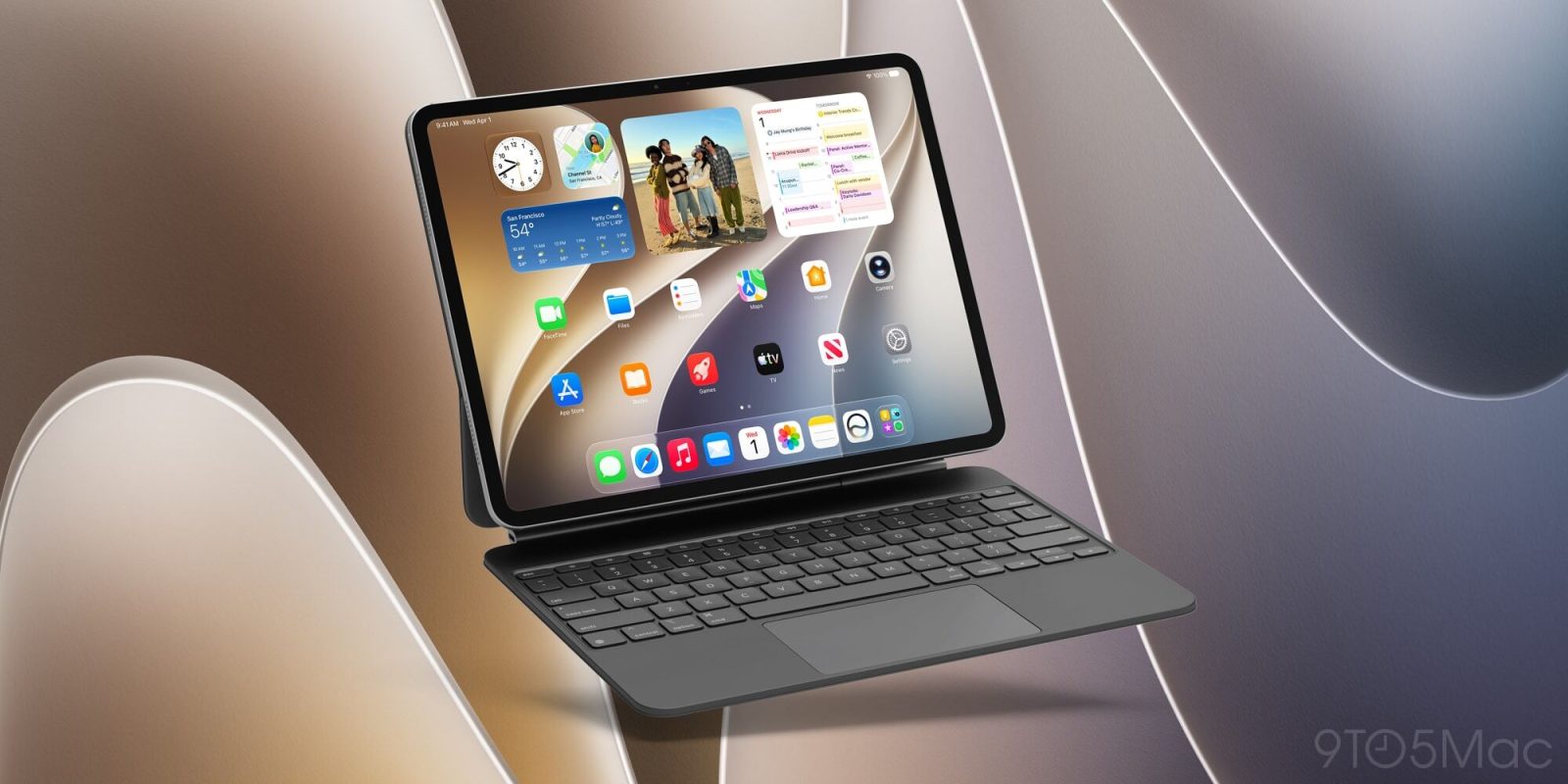
iPadOS 27.2 launches next week, and among its many new features, Apple has also brought over a recent Mac addition: a Siri popup when text is selected.
iPadOS 27.2 adds Siri popup when text is selected, just like macOS Golden Gate
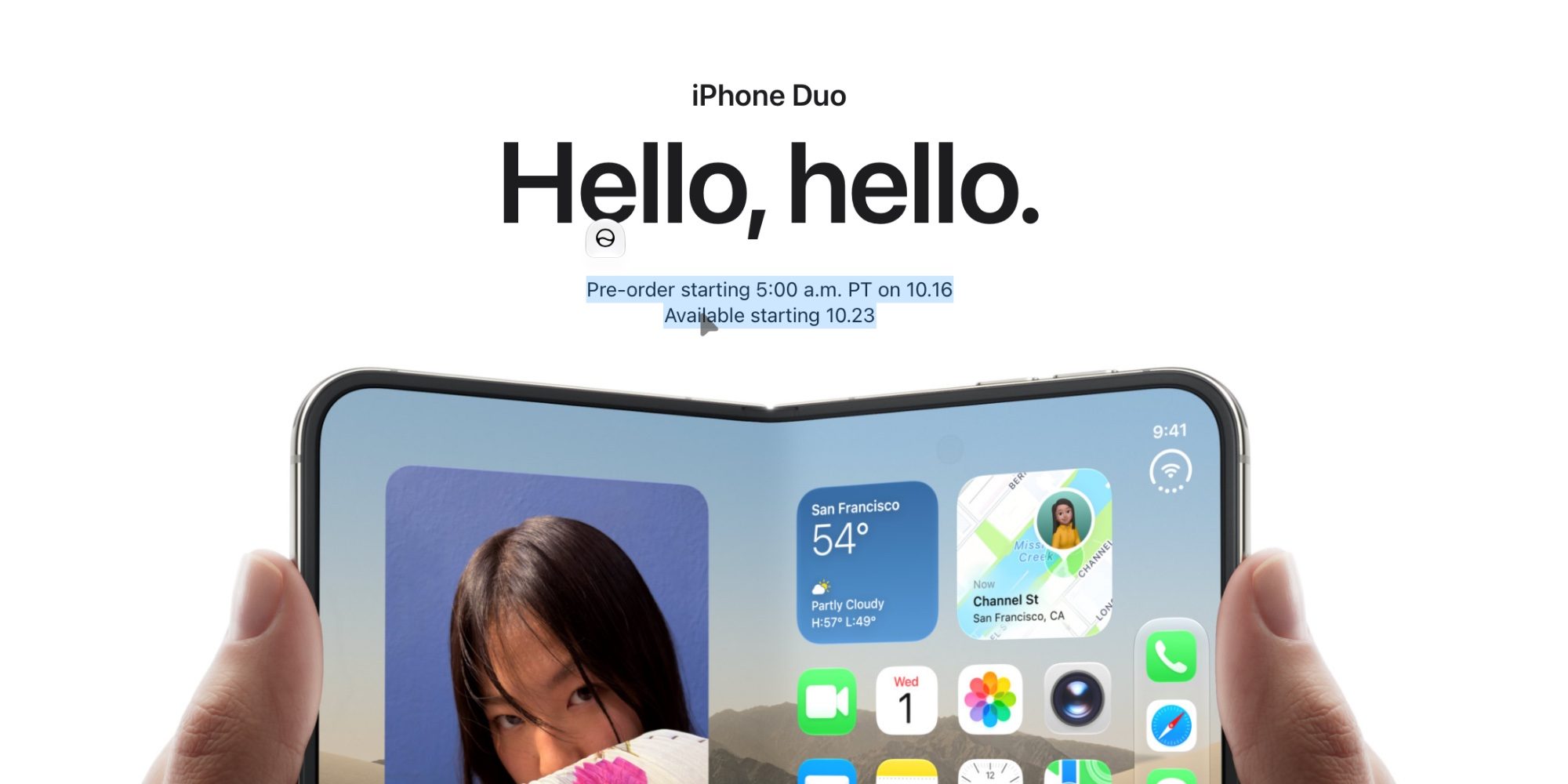
Siri AI is the tentpole addition to iOS 27, iPadOS 27, and companion releases. And as such, Apple offers lots of ways to access the new, supercharged assistant.
On iPad you can invoke Siri via a “Siri” or “Hey Siri” voice prompt, pull down from the top of the screen, use the new Siri option in the edit menu, open the new Siri app, or my personal favorite: use CMD + Space to open Spotlight and ask Siri a question from there.