ChatGPT 6交互界面实测
Android Authority作者Khamosh Pathak测试了ChatGPT 6 Intelligent UI的四个交互工具,包括F1信息应用、账单拆分器、咖啡冲煮伴侣和三天旅行规划器。账单拆分和旅行规划表现良好,但F1应用信息不完整且不会自动更新,冲煮伴侣的定时器无法使用,日志也仅在当前会话保存。Pathak认为,该功能适合把密集信息组织成交互界面,但存储、可靠性和应用管理限制使其尚不能替代专用应用。
这次上手测试表明,ChatGPT 6 Intelligent UI能在对话中生成一次性交互工具,但会话内存储和可靠性问题仍使其难以成为持久应用。
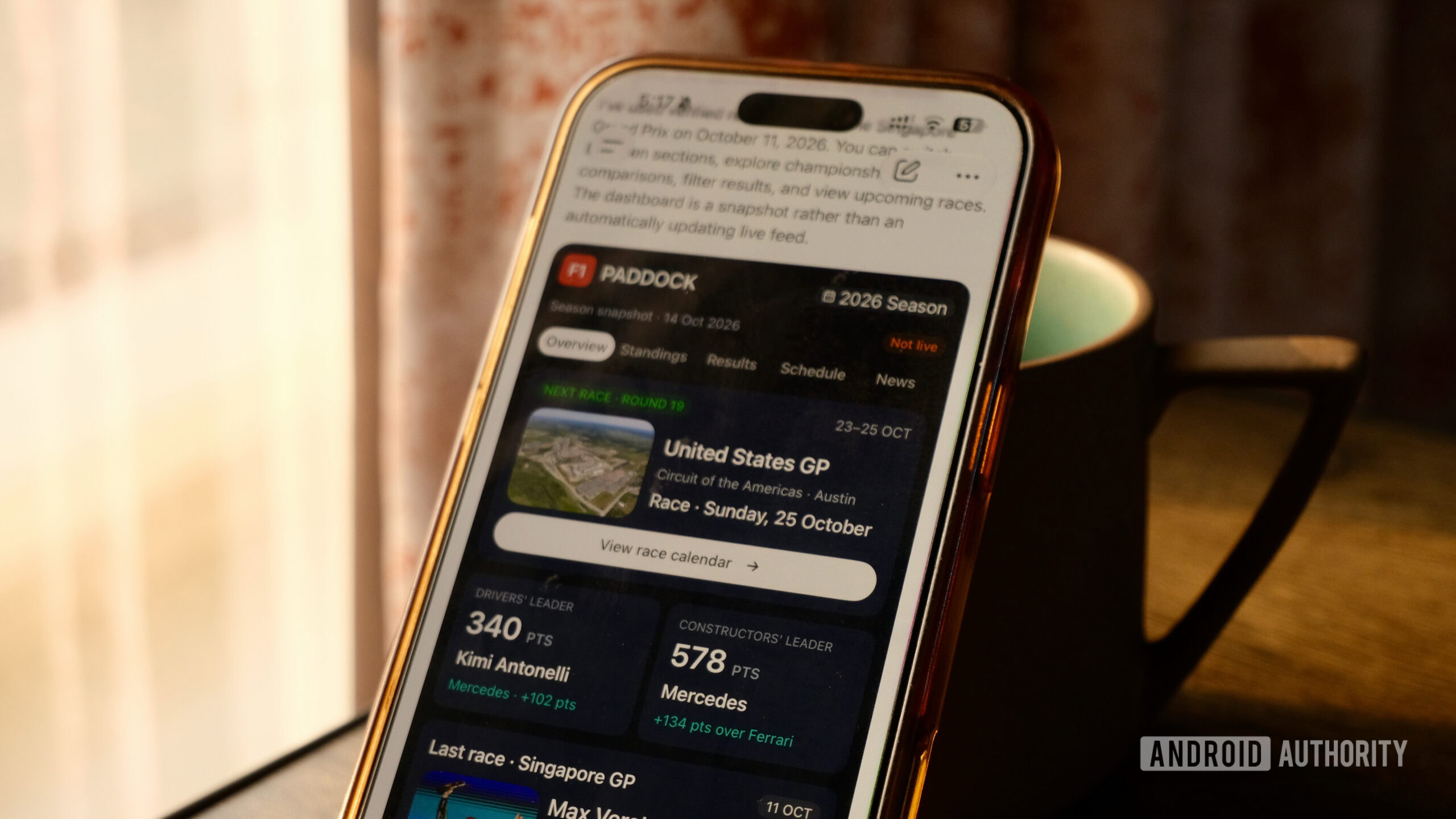
Khamosh Pathak / Android Authority
Add Android Authority on Google:
While I keep jumping between Gemini, Claude, and ChatGPT, Claude is my AI butler of choice. While the long-winded replies can be a chore, I like how visual and interactive Claude artifacts are. I’ve asked Claude to build interactive dashboards for my share portfolio, and I have a budgeting tool that I keep tinkering with. But these are big, clunky HTML pages, and you need a $20 subscription (either Claude Pro or ChatGPT Plus).
Just a fancy way to show you the same answers? Or can it replace some of your smaller apps?
So, when ChatGPT 6 came out with Intelligent UI, I was intrigued. It’s free for everyone, and it’s directly integrated into the Chat mode. ChatGPT is trying to do something it has historically struggled with: generating interactive interfaces right in the chat. Responses that go way beyond just a wall of text.