ChatGPT 6 Intelligent UI is useful, but not an app replacement
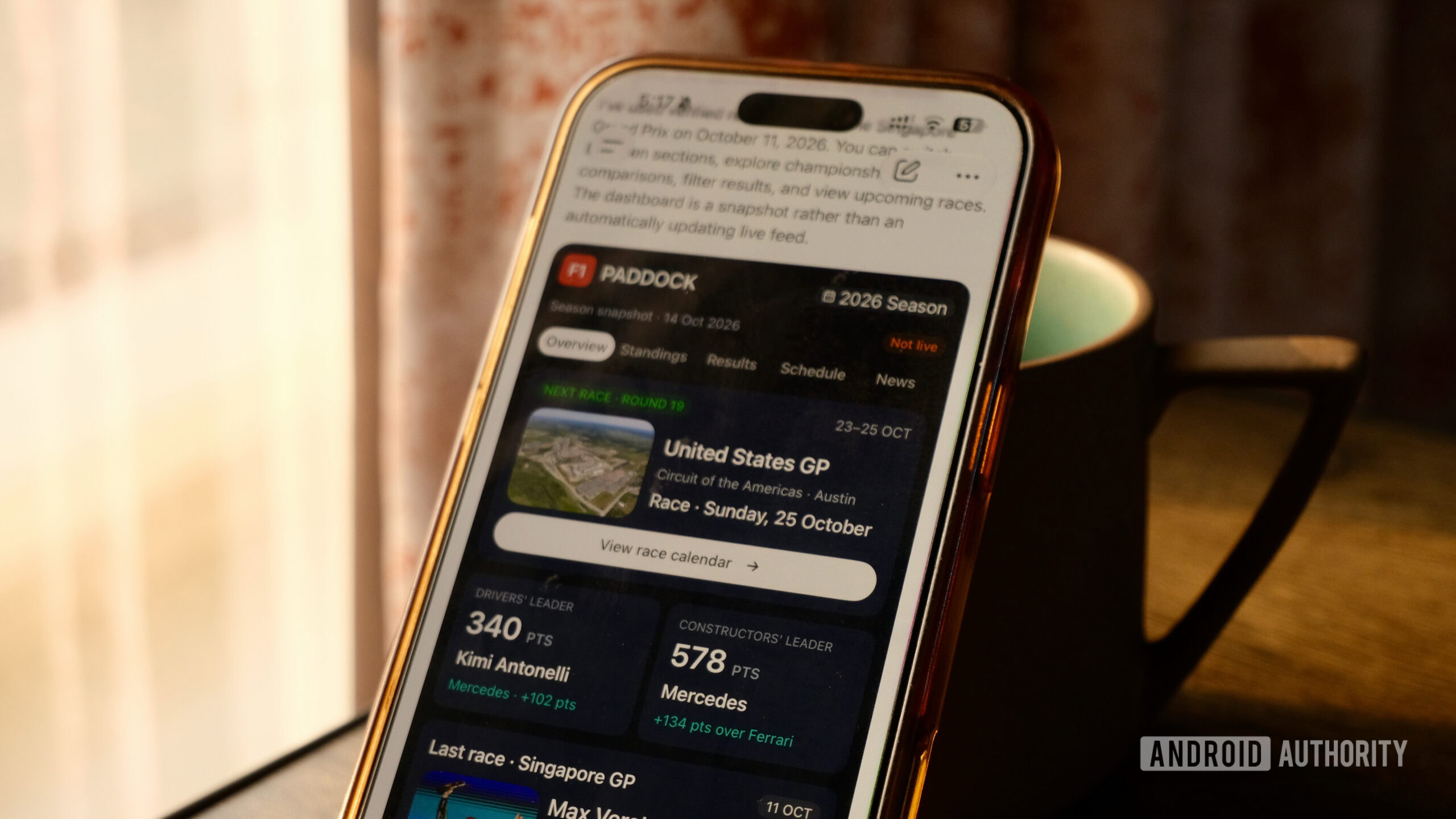
Android Authority author Khamosh Pathak tested ChatGPT 6 Intelligent UI with four interactive tools: an F1 information app, a bill splitter, a coffee-brewing companion, and a three-day trip planner. The bill splitter and travel planner worked well, but the F1 app lacked complete data and automatic updates, while the brewing companion had a broken timer and session-only journal entries. Pathak concluded that Intelligent UI is useful for organizing dense information interactively, but its limited persistence, reliability, and app management keep it from replacing dedicated apps.
The hands-on test shows that ChatGPT 6’s Intelligent UI can make one-off interactive tools within chat, while session-only storage and reliability issues still separate it from durable applications.
Khamosh Pathak / Android Authority
Add Android Authority on Google:
While I keep jumping between Gemini, Claude, and ChatGPT, Claude is my AI butler of choice. While the long-winded replies can be a chore, I like how visual and interactive Claude artifacts are. I’ve asked Claude to build interactive dashboards for my share portfolio, and I have a budgeting tool that I keep tinkering with. But these are big, clunky HTML pages, and you need a $20 subscription (either Claude Pro or ChatGPT Plus).
Just a fancy way to show you the same answers? Or can it replace some of your smaller apps?
So, when ChatGPT 6 came out with Intelligent UI, I was intrigued. It’s free for everyone, and it’s directly integrated into the Chat mode. ChatGPT is trying to do something it has historically struggled with: generating interactive interfaces right in the chat. Responses that go way beyond just a wall of text.