如何关闭Gmail中的Gemini,以及可能失去的功能
Android Authority报道称,Google正向更多Workspace用户扩展Gmail中的部分Gemini功能,包括自动总结邮件。文章介绍了两种关闭方式。关闭Gmail的智能功能会移除AI Overviews,同时也会移除自动收件箱分类、Smart Compose、Smart Reply和摘要卡片。关闭Google Workspace智能功能会移除AI Overviews和Gemini侧边栏,但也会使Calendar不再显示来自Gmail的事件,包括行程和会议邀请,并移除Drive中的个性化搜索建议。报道没有说明此次扩展覆盖哪些账户或地区,也没有提供具体时间。
Gmail中的Gemini没有单独的关闭开关,因此想禁用相关功能的用户必须调整范围更广的设置,这可能同时移除非AI的效率功能。报道指出,隐私顾虑、不需要的邮件总结、收件箱杂乱以及对AI准确性的不信任,都可能是用户希望关闭Gemini的原因。
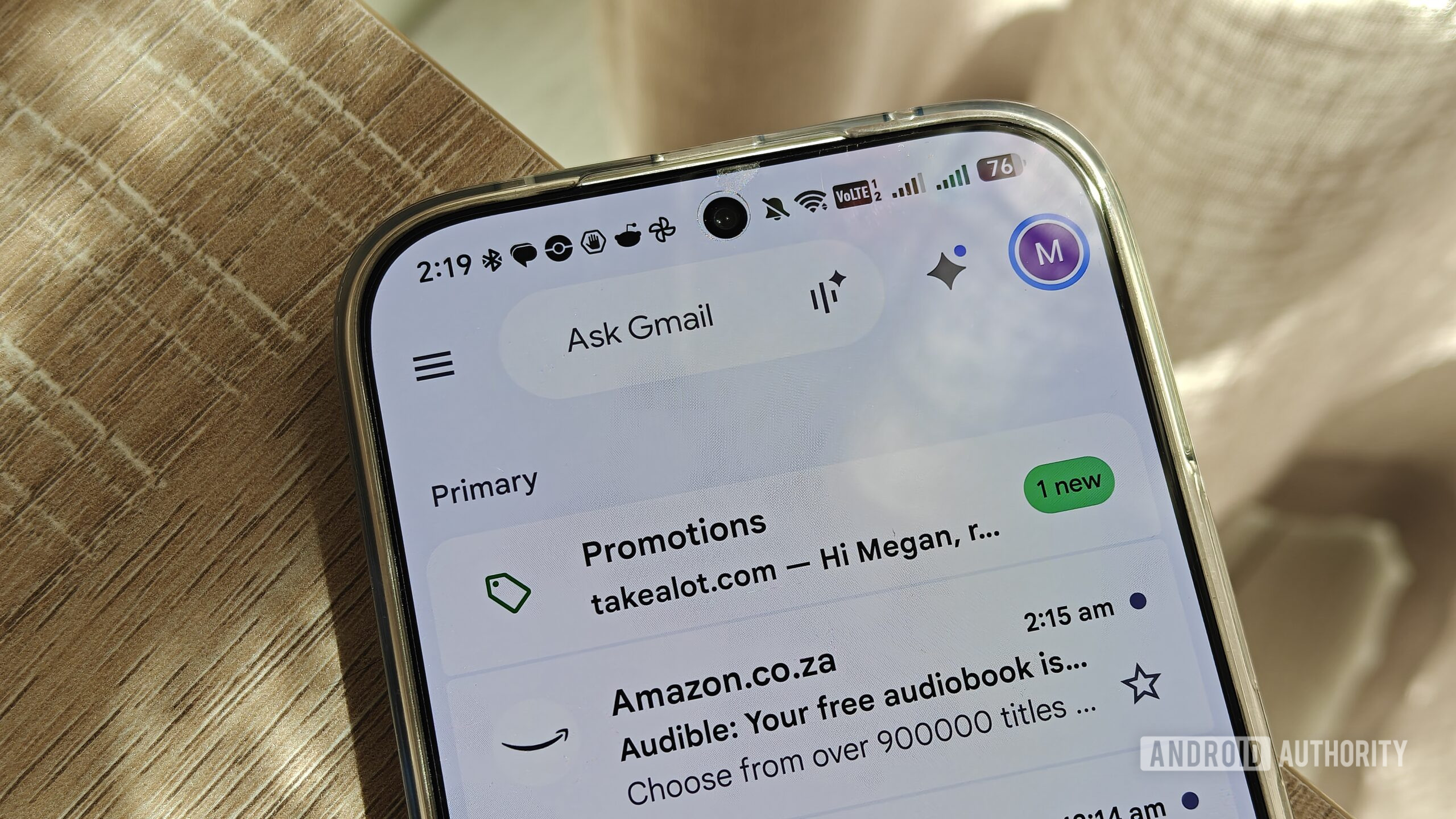
Megan Ellis / Android Authority
Add Android Authority on Google:
Google is expanding certain Gemini features in Gmail to more Workspace users, meaning you might see the AI assistant summarizing your emails when you didn’t before. But it begs the question: what if you don’t want Gemini in your inbox?
The good news is that you can disable Gemini features in Gmail. But the bad news is that you lose out on other features when you do. Here’s everything you need to know.
Readers' poll
#Google#Gemini#Gmail#Google Workspace#Google Calendar#Google Drive