如何限制 iPhone 的 Apple Intelligence
运行 iOS 27 的兼容 iPhone 虽然不再提供系统级总开关,但用户仍可分别关闭多项 Apple Intelligence 功能。设置中可以停用 Siri AI、信息和通知摘要、智能回复、语音留言建议、Writing Tools、图像生成等功能。
用户可以更细致地控制哪些 Apple Intelligence 功能保持启用。
You have a lot of control over AI on your iPhone.
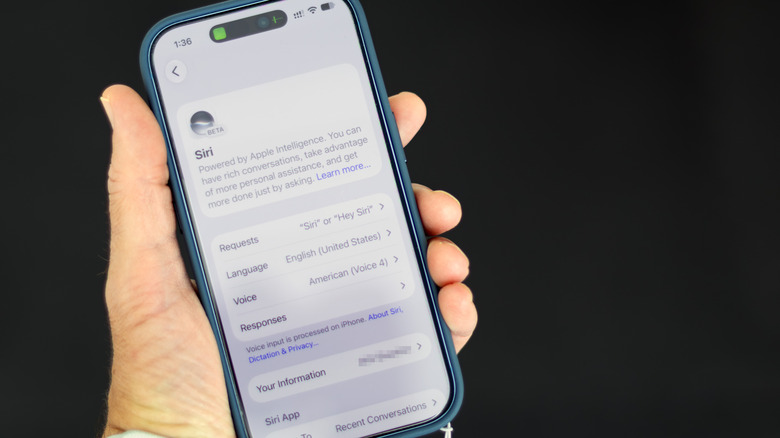
Will Shanklin for Engadget
As Apple brings more AI to the iPhone, the technology is getting harder to avoid. While there's no longer a single switch to shut down Apple Intelligence system-wide, you can still turn off many AI features in iOS 27. You just have to do a little more digging.
These instructions are for Apple Intelligence-capable iPhones (iPhone 15 Pro or newer or iPhone 16 or newer) running iOS 27. If you're still on iOS 26, the simpler universal shut-off switch is still there: open Settings > Apple Intelligence & Siri, and turn off Apple Intelligence.
Turn off Siri AI — or switch to the old version
#Apple#Apple Intelligence#Siri AI#iOS 27#Writing Tools#Image Playground#Genmoji