How to Restrict Apple Intelligence Features on iPhone
Apple Intelligence features can be disabled individually on compatible iPhones running iOS 27, even though iOS 27 no longer offers one system-wide switch. Users can turn off Siri AI, summaries, Smart Reply, voicemail suggestions, Writing Tools, image generation and other features through Settings and Screen Time.
The guide gives users more granular control over which Apple Intelligence features remain active on their iPhones.
You have a lot of control over AI on your iPhone.
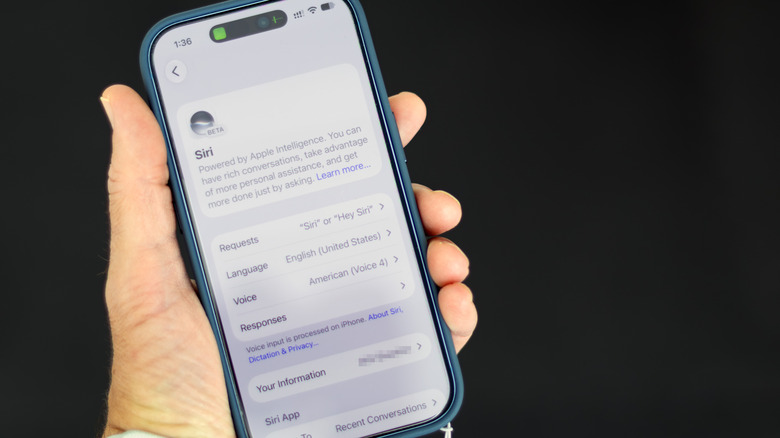
Will Shanklin for Engadget
As Apple brings more AI to the iPhone, the technology is getting harder to avoid. While there's no longer a single switch to shut down Apple Intelligence system-wide, you can still turn off many AI features in iOS 27. You just have to do a little more digging.
These instructions are for Apple Intelligence-capable iPhones (iPhone 15 Pro or newer or iPhone 16 or newer) running iOS 27. If you're still on iOS 26, the simpler universal shut-off switch is still there: open Settings > Apple Intelligence & Siri, and turn off Apple Intelligence.
Turn off Siri AI — or switch to the old version
#Apple#Apple Intelligence#Siri AI#iOS 27#Writing Tools#Image Playground#Genmoji