Gemini Notebook 幻灯片与视频新增共创控制
据 Android Authority 报道,Google 宣布为 Gemini Notebook 的幻灯片(Slide Decks)和视频概览(Video Overviews)加入“共创”(co-creation)能力,在生成最终结果前引导用户走完创作流程,并可调整格式与视觉风格。新增的 Review 开关可让用户在 Studio 面板中预览幻灯片大纲或视频制作说明并给出反馈,例如调整幻灯片顺序,然后点击 Proceed 生成。Android Authority 随后援引 Workspace 博客称,该功能自 10 月 16 日起面向 Workspace 用户逐步推送,最长可能需要 15 天才可见,覆盖 Workspace 客户、Workspace Individual 订阅用户及个人 Google 账号。
Google 表示,这一审阅步骤让用户在内容生成前就能查看幻灯片大纲或视频制作说明,而不是直接跳到成品。
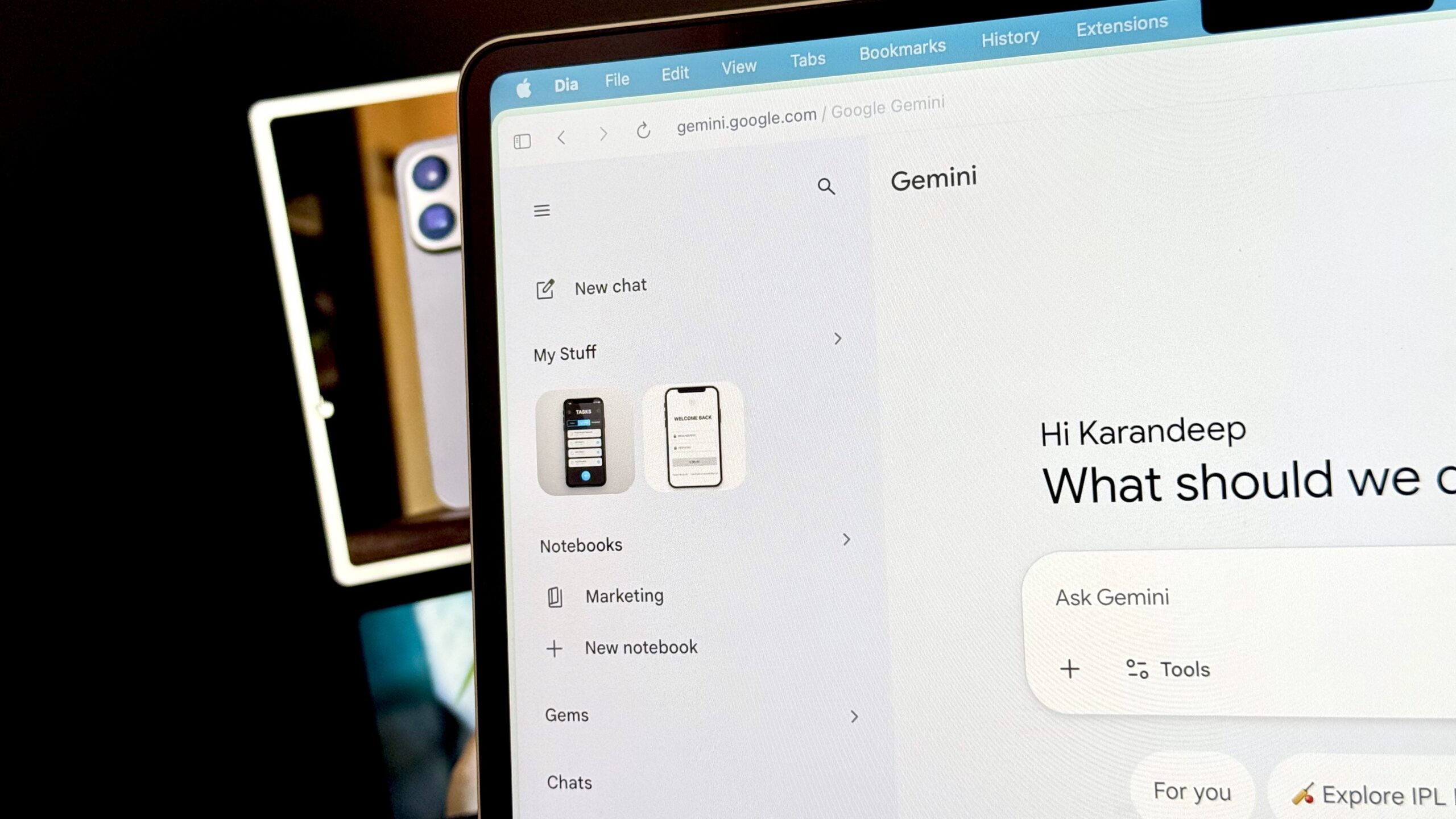
Karandeep Singh / Android Authority
Add Android Authority on Google:
TL;DR
- Gemini Notebook is giving users more creative control over Slide Decks and Video Overviews through a feature called “Co-creation.”
- The platform will now walk the user through the creation flow, allowing them to steer the format and visual style before the final output.
- Co-creation capabilities will roll out to all users over the upcoming week.
Gemini Notebook is a helpful tool for digesting large amounts of information. One way this is done is by breaking down your material into structured formats such as Audio Overviews and Study Aids, like flashcards. After a new update, you’ll soon have more creative control over the output from two of these formats.