Gemini Notebook adds co-creation controls for Slide Decks and Video Overviews
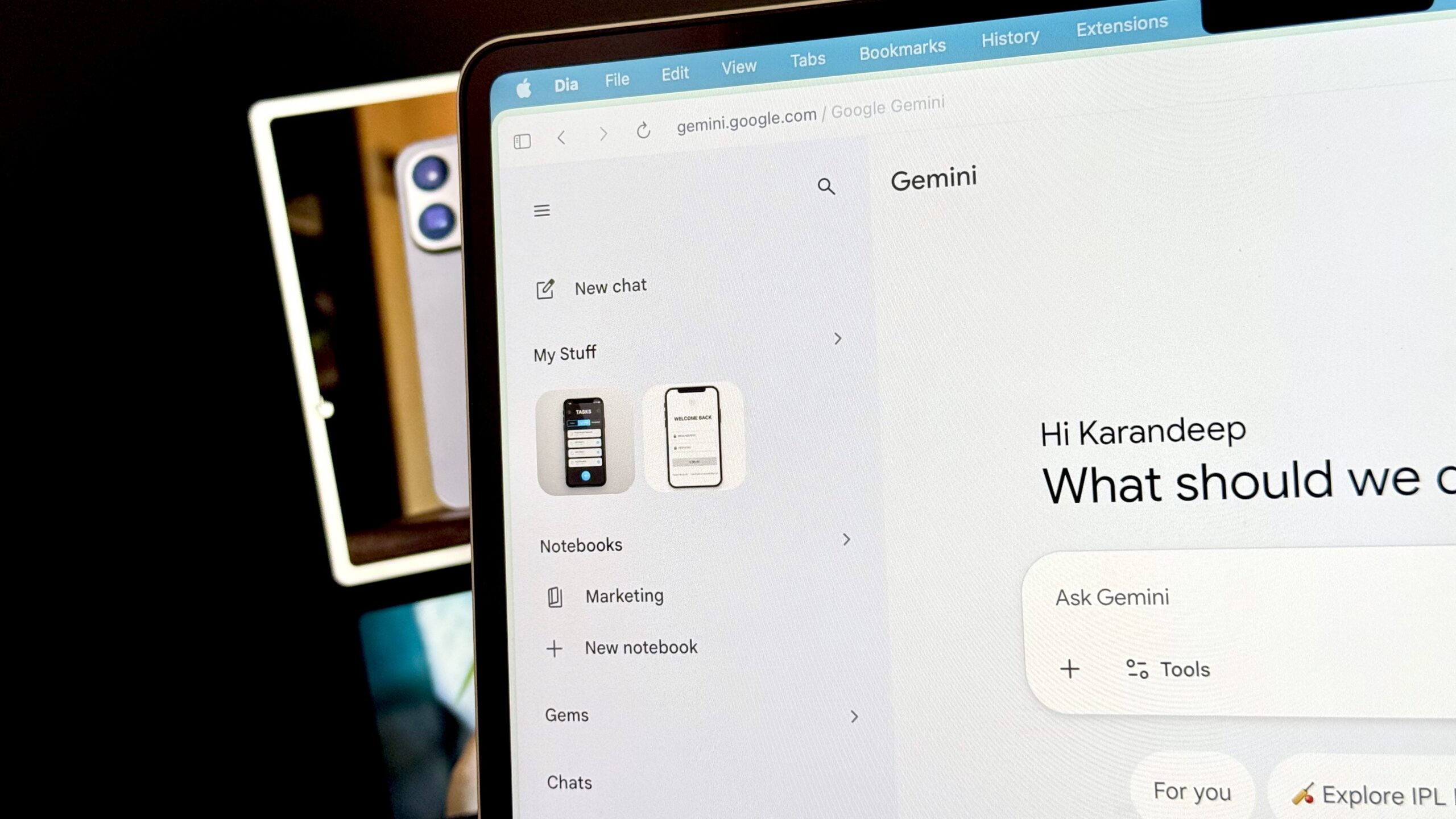
Google announced co-creation capabilities for Slide Decks and Video Overviews in Gemini Notebook, which walk users through the creation flow so they can steer format and visual style before the final output, Android Authority reported. A new Review toggle lets users preview slide outline notes or video producer notes in the Studio panel and give feedback, such as reordering slides, before selecting Proceed. Android Authority later cited a Workspace blog saying the gradual rollout began October 16 for Workspace users and could take up to 15 days to become visible, reaching Workspace customers, Workspace Individual subscribers and personal Google accounts.
Google says the review step lets users check the slide outline or video producer notes before anything is generated, rather than jumping straight to a finished product.
Karandeep Singh / Android Authority
Add Android Authority on Google:
TL;DR
- Gemini Notebook is giving users more creative control over Slide Decks and Video Overviews through a feature called “Co-creation.”
- The platform will now walk the user through the creation flow, allowing them to steer the format and visual style before the final output.
- Co-creation capabilities will roll out to all users over the upcoming week.
Gemini Notebook is a helpful tool for digesting large amounts of information. One way this is done is by breaking down your material into structured formats such as Audio Overviews and Study Aids, like flashcards. After a new update, you’ll soon have more creative control over the output from two of these formats.