Google Chat 推出 AI 会议纪要,会后自动推送摘要
Google 宣布 Google Chat 将在 Google Meet 通话结束后自动发布 AI 会议纪要,总结讨论内容、达成的决定和分配给具体同事的行动项。该功能基于 Meet 由 Gemini 驱动的“Take notes for me”工具,纪要中还附带 Gemini 笔记、会议录像和文字记录的链接,便于迟到或缺席者快速补课。使用前提是开启“Take notes for me”且会议关联了 Chat 会话;若主持人限制仅主持人和联席主持人可见笔记,则不会向群组分享。上线方面,Rapid Release 域自 10 月 16 日开始推送,Scheduled Release 域于 10 月 27 日跟进,每次推送最长约 15 天;面向已启用 Gemini 的 Business Standard/Plus、Enterprise Standard/Plus 和 Frontline Plus 订阅默认开启。
这是 Google 把 Gemini 会议能力延伸到会后协作流程的一步,会议纪要直接进入 Chat 会话而不必翻找笔记与录像。
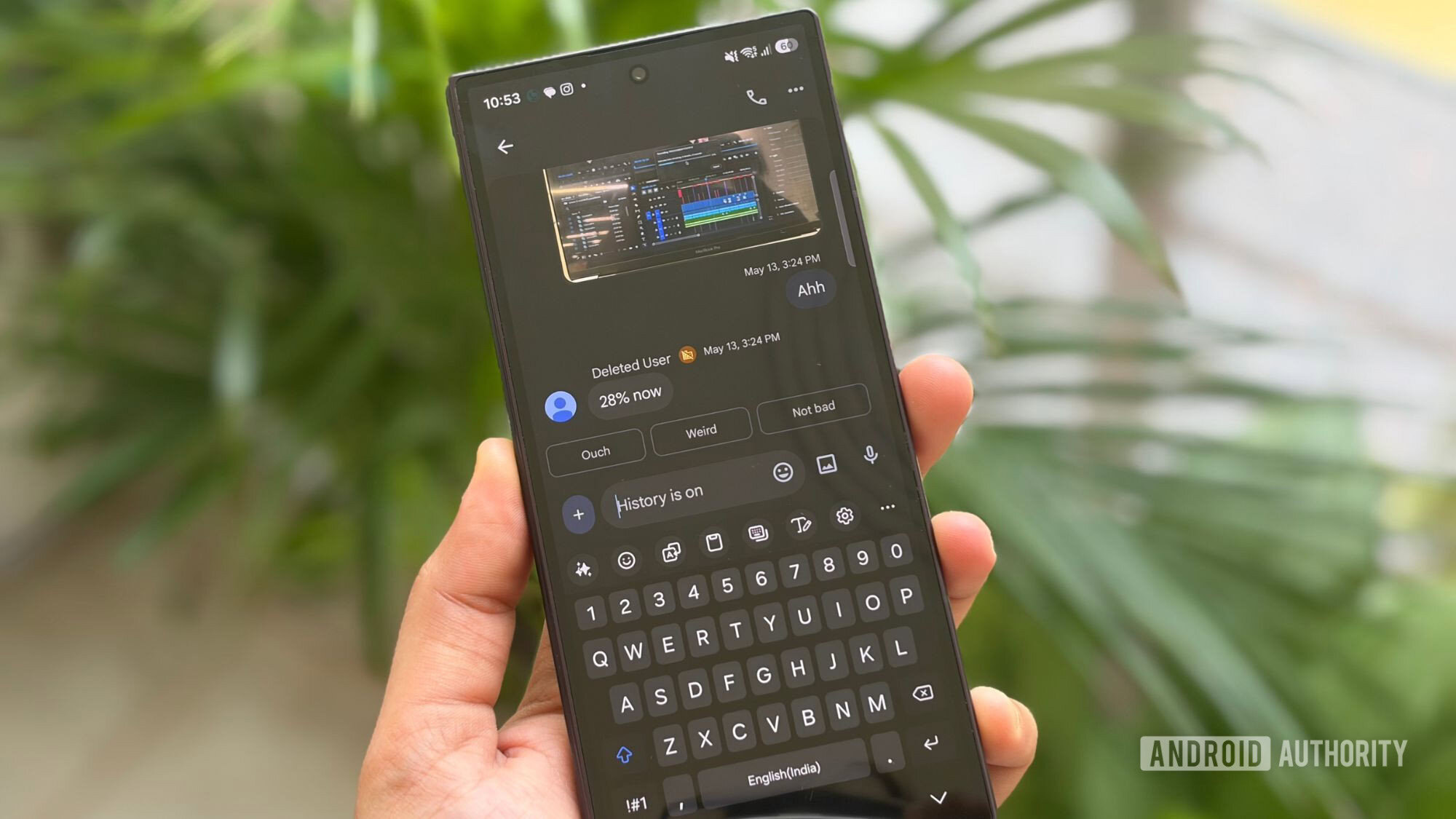
Shimul Sood / Android Authority
Add Android Authority on Google:
TL;DR
- Google Chat is getting automatic AI-powered meeting recaps that summarize discussions, decisions, and assigned action items.
- Recaps appear directly in meeting chats, complete with links to Gemini notes, recordings, and transcripts, so participants can catch up without digging through files.
- The feature is rolling out gradually to eligible Google Workspace subscribers.
There’s always that one meeting where everyone agrees on the next steps, only for half the team to forget who promised what by lunchtime. Then comes the frantic search through notes, recordings, and chat messages to piece everything together. Google wants to put an end to that familiar office headache with a new Google Chat feature that brings the important stuff straight into your conversations after a meeting.