Gemini 安卓版更新侧边栏和设置页
据 9to5Google 报道,Gemini 应用已在服务端更新后向 Android 用户推出改版后的侧边栏和设置页。搜索入口移至右上角,导航抽屉默认显示五项,其余入口可通过“更多”菜单展开。Google 将偏好设置整合到一个页面,并新增“主题”选项。此项设计此前已随 Gemini 4 Argon 发布登陆 iOS、macOS 和网页版。
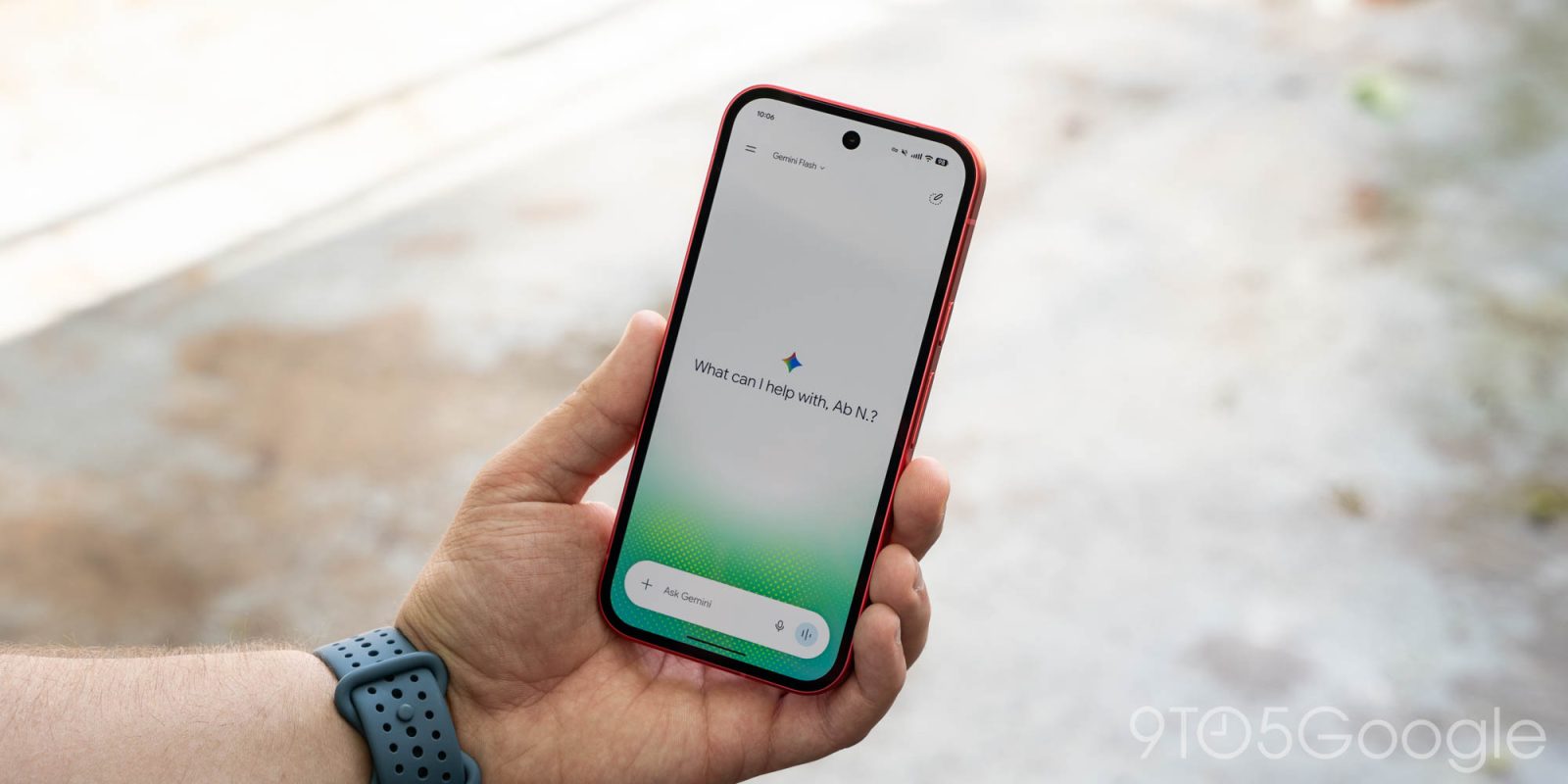
Following the Spark-to-Task update, the Gemini app has now rolled out redesigns of the side panel and settings on Android.
This revamp starts with Google moving search to the top-right corner. The first item in the list remains New chat, with Library appearing next instead of being located near the bottom.
To avoid cluttering the navigation drawer while still allowing you to view recent chats, Gemini displays only five items before making use of “More,” which expands the list upon tapping. With an AI Ultra subscription, the full list is as follows: New chat, Library, Images, Scheduled, Daily brief, Customize, Students, Videos, and Gems.
Old vs. new
Advertisement - scroll for more content