Gemini rolls out redesigned in-app camera on Android
Gemini's redesigned in-app camera is now broadly rolling out on Android through both beta and stable channels, following its launch on iOS, according to 9to5Google. The camera appears inline on the Gemini homepage or within conversations, opens as a draggable bottom sheet, and provides flash and front-camera controls for adding images to prompts.
The redesign makes attaching images to Gemini prompts more accessible within conversations on Android.
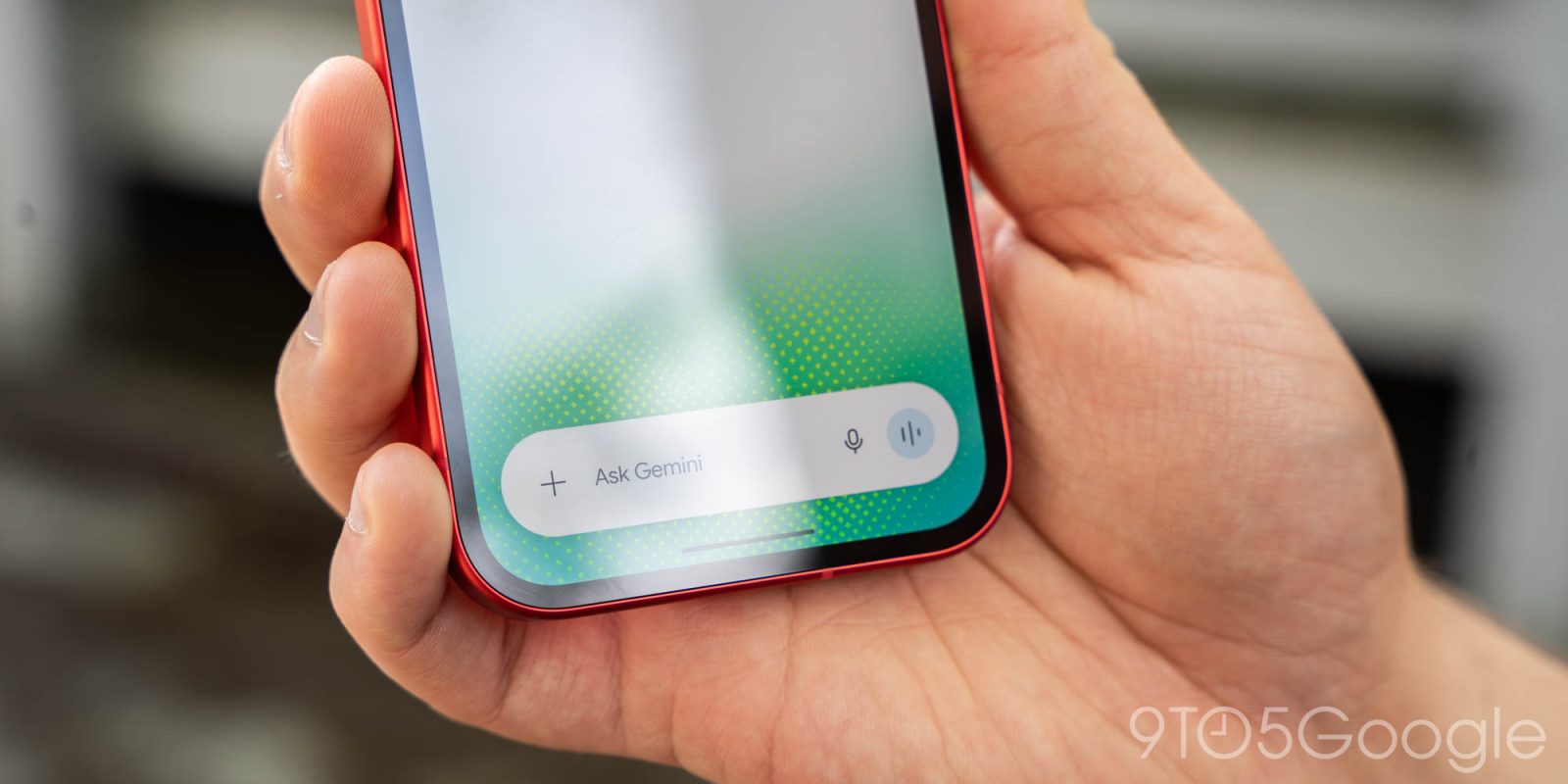
Google has thoroughly redesigned Gemini for Android’s in-app camera that lets you quickly add an image to prompts.
Available from the ‘plus’ menu in the prompt box, the old interface launched a fullscreen viewfinder that was quite generic. This UI is still in use when you launch the camera from the Gemini overlay.
The new one appears inline on the Gemini homepage or inside a conversation. It launches as a bottom sheet that you can drag up — with a really slick animation — to take up most of the screen.
Old vs. new
Advertisement - scroll for more content