Vocci Desktop launches for Mac and Windows
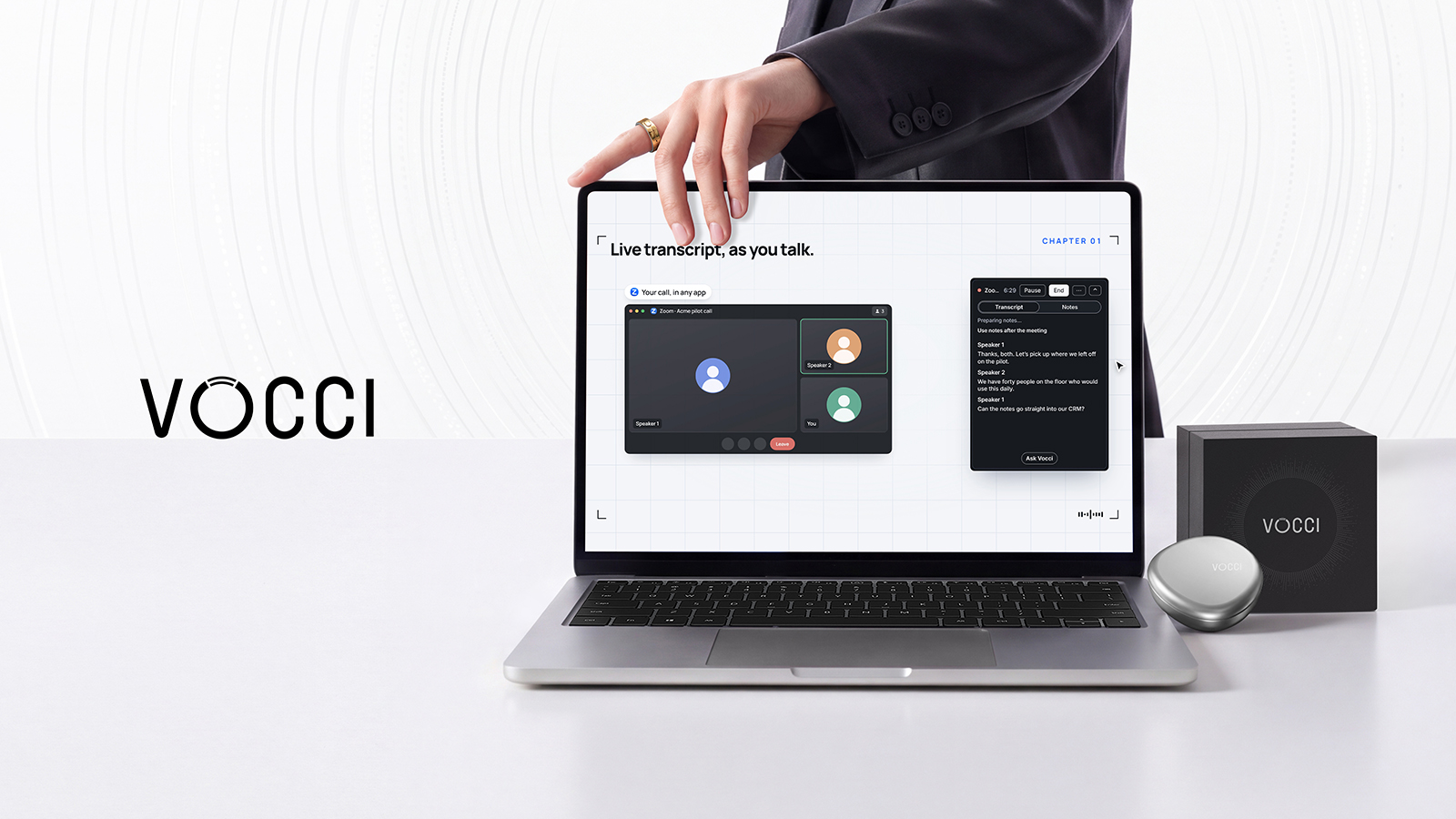
Vocci Desktop is now available for Mac and Windows and brings conversations into one application. It takes notes and provides live transcripts during Zoom, Google Meet and Microsoft Teams calls, while the Vocci ring can capture conversations away from the desk. Users can ask Vocci AI for help with notes or work with Claude Code and Codex within the desktop app.
The release combines conversation management, meeting notes and live transcripts, portable conversation capture, AI-assisted notes, and access to Claude Code and Codex in one desktop application.
Credit: Vocci
A huge amount of our work is conversation-based. Stories are born in interviews, proposals are generated from client calls, and project plans are worked out in team meetings. And it’ll definitely be a lot easier to get to a first draft if all the conversations you’ve had are in one place.
Vocci Desktop, now available on Mac and Windows, helps bring all your conversations together in one app. It takes notes during your Zoom, Google Meet, and Teams calls and provides a live transcript as you speak, while the Vocci ring can capture your conversations when you’re away from your desk. And when you’re ready to write, you can ask Vocci AI to help with your notes or work with Claude Code or Codex right in Vocci Desktop.
#Vocci#Vocci Desktop#Vocci ring#Claude Code#Codex#Zoom#Google Meet#Microsoft Teams