This roundup argues the bar for AI app builders has shifted from producing a convincing mockup to producing something a team can actually log into: a database with the right tables, pages that read and write those records, and a login screen with roles. It ranks eight platforms — Softr first, followed by Lovable, Base44, Bubble, Glide, Retool and Replit — against criteria including prompt-to-app depth, running on existing data, users and roles, post-generation editing, pricing shape and free-tier quality. Pricing, ratings and feature details in the piece come largely from vendors and review sites such as G2 and can change.
Why it matters: For teams weighing AI-built internal tools or client portals, the comparison helps separate tools that demo well from ones that survive real users, though the picks reflect editorial and vendor framing.
Which AI app generator turns a prompt into a working business app on your own data, with logins and roles from day one
A year ago, “AI app builder” meant a tool that produced a convincing mockup. In 2026 the best AI app builders return something a team can log into: a database with the right tables, pages that read and write those records, and a login screen with roles behind it. The gap between platforms has moved from “can it generate a screen?” to “does the app run on the data we already keep, and can a client sign in tomorrow without a developer touching it?”
That shift sets the criteria for the eight picks below. Every platform here can produce an app from a description. They differ on what surrounds that app once it’s live, and the differences are what a marketing manager, an operations lead or a founder will feel in month two.
Prompt-to-app depth: Does the AI generate the data model, the logic and the access rules, or only the interface?
Existing data: Can the app sit on top of Airtable, HubSpot, a SQL database or a spreadsheet, with two-way sync, rather than forcing a migration?
Users and roles: Are logins, user groups and permissions down to the record built in for clients and staff?
Editing model: After generation, can a non-technical person change the app in a visual editor, or does every change go back through a prompt or a code file?
Pricing shape: App-user, seat, credit or token pricing, and what happens when the allowance runs out.
Free plan: Is there a free tier that supports a real trial rather than a demo?
Top 8 AI app builders for business teams
1. Softr
Credit: softr
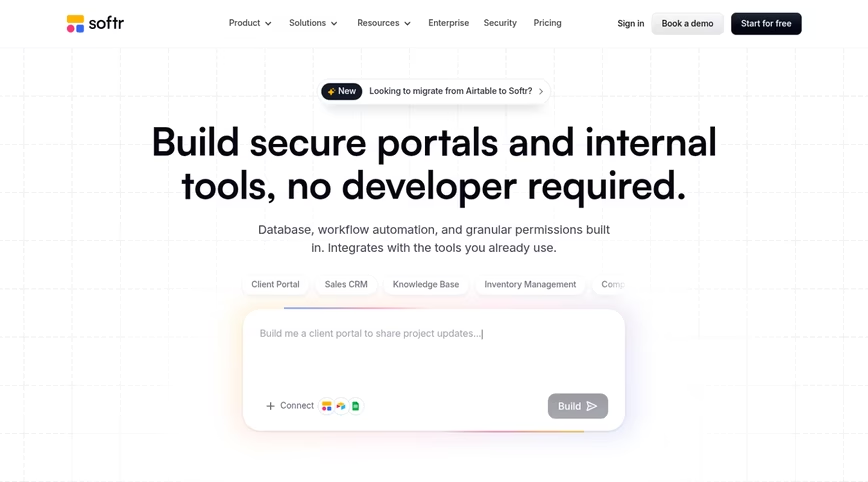
Softr builds the secure portals, internal tools and line-of-business apps that operations teams run on, with no code involved, and it leads this list because of how it treats the data a company already has. You describe the app in plain language, and the AI Co-Builder creates the database and pages along with user groups and permissions, with everything connected and ready for real users. Once that foundation is in place, the Co-Builder can help you set up workflows as a next step. Point it at an existing Airtable base, HubSpot account, SQL database, Google Sheet or Notion workspace and the app runs on that data in place; or start clean in Softr Databases, the platform’s own relational store.
After the first build, you’re never stuck prompting. Switch to the visual editor to customize logic, control roles and permissions or add features on your own, then switch back to the Co-Builder for the next big change. Nothing in that loop leaves you with code to maintain, which separates a governed platform from a vibe-coded app that ends up needing an engineer to debug, host and secure it. Admins see everything, clients see only their records, and those rules run server-side.
Softr’s stack covers database, app, workflows and forms in one product, keeps data in Frankfurt under GDPR and a SOC 2 Type II report, and includes an MCP server so a builder working in Claude, ChatGPT or Codex can create and edit Softr apps from there on any plan without spending AI credits. Support comes from people, with a dedicated Slack channel and a customer success manager on Enterprise. Pricing tracks app users at a flat rate instead of seats, which keeps a 500-client portal from becoming 500 licenses. The trade-off: apps are desktop-optimized (responsive, installable as PWAs), so a phone-first field crew may prefer a mobile-native builder.
Key features
AI Co-Builder generates the database, pages, user groups, and permissions from one prompt, before helping to set up workflows as a next step.
Visual editor and prompt mode interchangeable at any point, with no code output to maintain
Native Softr Databases plus live connections to 21-plus external data sources
User groups, granular permissions and global data restrictions at the record level
Softr Workflows, Softr Forms, Ask AI and Database AI Agents inside the same platform
Softr MCP for building from Claude, ChatGPT, Codex or Cursor
Key integrations
Airtable
HubSpot
Google Sheets
Notion
PostgreSQL, MySQL and SQL Server
Zapier and Make
Starting price: Free plan with unlimited apps, five app users and 5,000 records. Basic $19 a month, Pro $99, Business $329 on annual billing; Enterprise quoted, with SSO, SCIM and audit logs.
2. Lovable
Credit: Lovable
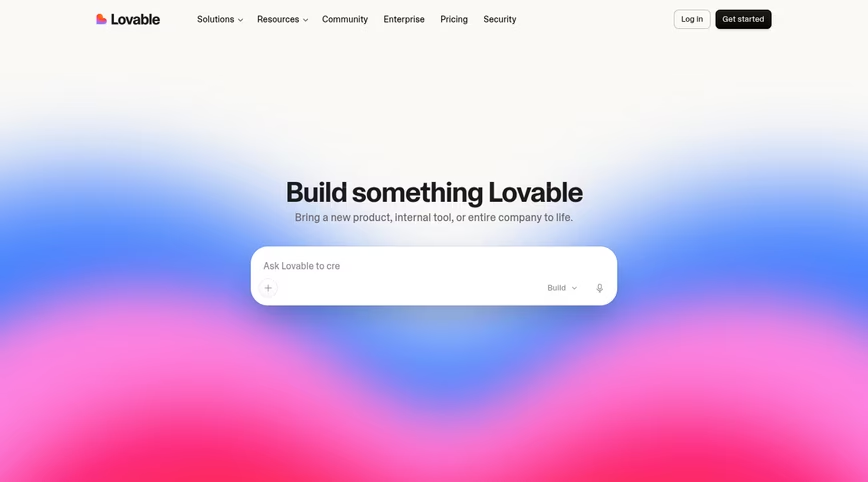
Lovable builds full-stack web apps from a conversation. Describe the product, and it writes a React front end and provisions a Supabase backend with authentication and storage, then shows a live preview you refine prompt by prompt. Code syncs to GitHub and can be exported, so a developer can continue the work in a normal environment. Lovable is designed to move from a conversational prompt to a shareable full-stack prototype and its G2 reviewers rate it 4.6 across 428 reviews.
The limits show up when the prototype meets real users. Lovable ships no built-in permission layer for business apps, so client-versus-staff access has to be coded, and its own reviewers describe credit consumption as unpredictable, with small changes at times breaking unrelated parts of a larger project. Every edit through the prompt spends credits, including cosmetic ones. The output is code you own, which means code you host, secure and maintain, and teams without a developer tend to need one before long.
Key features
Chat-driven generation of React and TypeScript apps with a Supabase backend
Live preview with a visual edit mode for small changes
Agent Mode for multi-step autonomous tasks
GitHub sync and code export
Key integrations
Supabase
GitHub
Stripe
Figma import
Starting price: Free plan with a daily credit allowance. Pro is $25 monthly and includes 100 credits; Business is $50; Enterprise pricing is quoted.
3. Base44
Credit: Base44
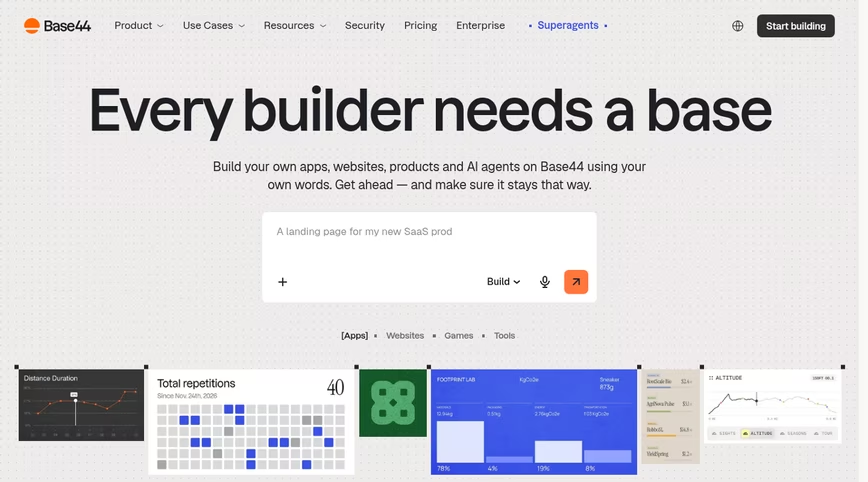
Base44 markets itself as a vibe coding platform that turns an idea into a functional app or website with no code, and it bundles more than most: the front end, a hosted data store, user sign-in and deployment all arrive together from one prompt, with agents and a GitHub export on top. For a non-coder validating an idea, the all-in-one package removes a lot of setup.
The package is also the constraint. Records stay inside Base44’s own database, with few routes to systems you already run, roles stay basic, and the app behaves according to logic the AI wrote, which resists auditing or adjustment without another prompt. Export the code to escape the box and you inherit a project to secure and keep current yourself. Pricing runs on message credits, and reviewers note that trivial and heavy prompts draw the same credits, so small changes add up. G2 shows 3.8 over 44 reviews, clustered at the five-star and one-star ends, with support a recurring complaint.
Key features
Prompt-to-app generation with built-in database, auth and hosting
AI agents inside apps
GitHub export
One year of a custom domain included on paid tiers
Key integrations
GitHub
Email and calendar connectors via integration credits
Payment processing
Wix (parent company) services
Starting price: Free plan with a small credit allowance. Starter at $16 monthly, Builder at $40 with 250 message credits, then Pro ($80) and Elite ($160).
4. Bubble Credit: Bubble
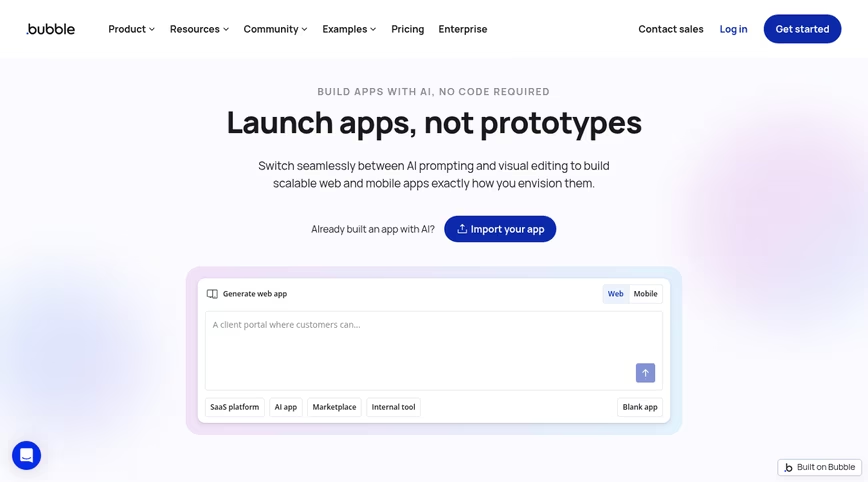
Bubble is the long-standing no-code environment for complete web and mobile applications, and its current version leads with AI: prompt for a starting point and continue in an editor where layout, data model, logic and privacy rules all sit under one roof. If an app needs fully custom layouts, animations or heavy branding, Bubble offers more front-end freedom than any other platform here, and no other no-code tool has a bigger plugin catalog.
The cost of that freedom is time. Reviewers describe a steep learning curve, and business essentials such as login screens, onboarding flows and per-role access rules come from your own effort rather than a switch. Bubble bills in workload units, with 50,000 a month included free and more on Starter, Growth and Team, a meter that’s tougher to budget than a headcount; Starter has been listed near $29 monthly with annual billing.
Key features
AI generation plus a pixel-level visual editor
Native output for iOS and Android as well as web
Database and workflow engine included
Marketplace of plugins and templates
Key integrations
Stripe
Zapier
OpenAI and other APIs via plugins
Google services via plugins
Starting price: Free plan capped at 50,000 workload units monthly; Starter, Growth and Team tiers meter more units. See Bubble’s pricing page for current dollar figures.
5. Glide Credit: Glide
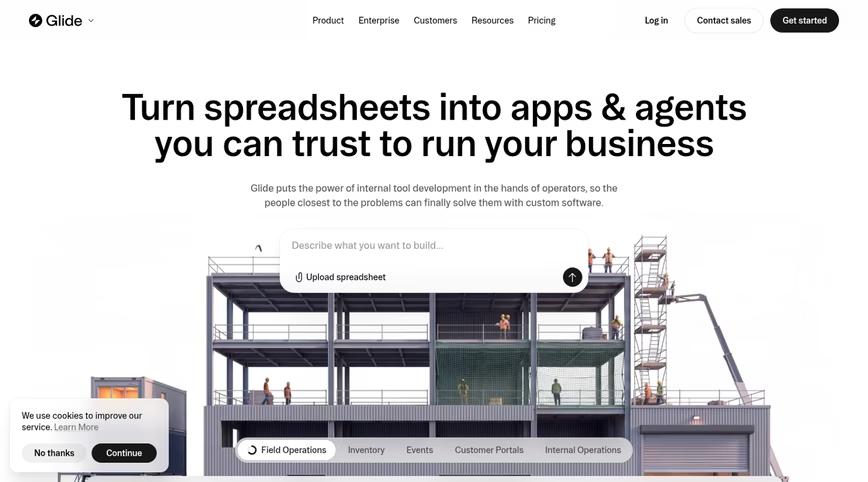
Glide makes internal business apps and agents out of spreadsheets or a prompt, and it remains the most mobile-friendly option on this list. Hand it a Google Sheet, an Excel workbook or a Glide Table, or type a description, and the result looks native on a phone with almost no design effort. On G2, where its Glide Classic listing averages 4.7 over some 820 reviews, the praise centers on how approachable the editor is for a first-time builder.
Where Glide strains is scale and structure. Its reviewers cite pricing that turns expensive as usage grows, an app structure that stays fixed and boxes in the design as requirements sharpen, and difficulty managing complex relationships and permissions. Plans meter credits and team members, data sources other than spreadsheets stay thin, and external users push costs up in steps.
Key features
Spreadsheet-to-app and prompt-to-app generation
Mobile-first layouts with a coherent component set
AI columns and agents for data tasks
Template gallery for common internal tools
Key integrations
Google Sheets
Excel
Airtable
BigQuery (higher plans)
Starting price: Free plan with limited credits. Basic $25 a month, Plus $50, Pro $125 (credits and member counts scale the price), Enterprise custom.
6. Retool Credit: Retool
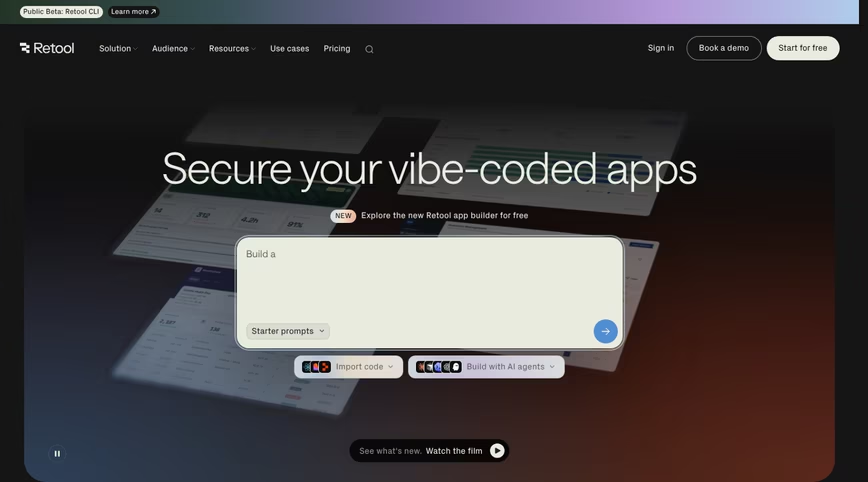
Retool is where engineering teams go to build admin panels and dashboards over any database, API or model, and its AI features now scaffold apps and write queries from a description. Git-backed versioning, audit trails and RBAC have years of maturity behind them, self-hosting is available, and the connector list is close to universal.
Retool assumes a developer. SQL and JavaScript carry the app logic, the access rules and the row filters, the setup is complex for anyone else, and G2’s digest of complaints starts with the learning curve and with feature gaps that force workarounds. Client-facing portals require engineering for logins and onboarding, and both builders and end users carry a per-user price, an arrangement that grows costly with an external audience.
Key features
Components dropped on a canvas and bound to SQL or API queries
AI app and query generation
Git-based version control and audit logs
Self-hosted deployment option
Key integrations
PostgreSQL, MySQL and Snowflake
Salesforce
Slack
OpenAI and Anthropic models
Starting price: Free plan for up to five users. Team: $10 monthly for each standard user plus $5 for each end user; Business: $50 and $15 on the same basis; Enterprise quoted.
7. Replit Credit: Replit
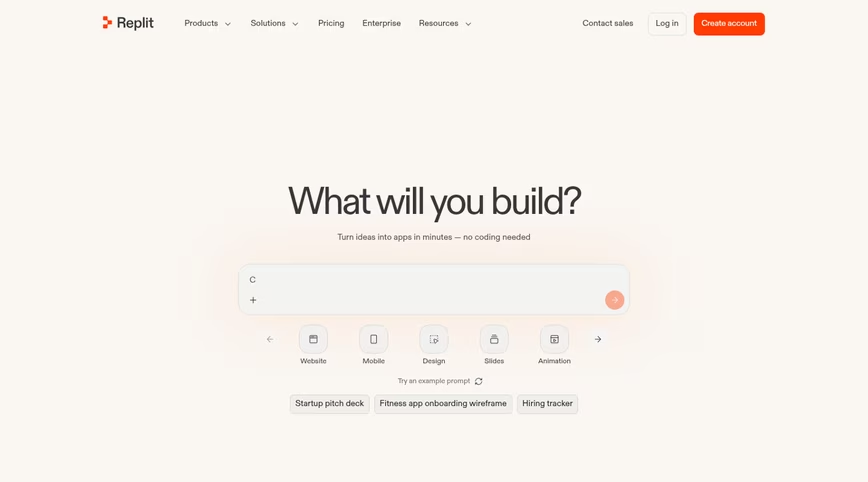
Replit pairs a browser-based coding environment with Replit Agent, which builds, tests and deploys an app from a description while you watch it work. Hosting, a database and a custom domain come with the account, so a developer can go from prompt to a live URL without leaving the tab. Its G2 rating sits at 4.4 from 413 reviews.
It’s a developer tool with an agent, not a business-app platform. End-user authentication and roles come from code the developer writes, the database layer is thin compared with a purpose-built backend, and the largest complaint tags in its reviews are cost and the credit meter, because usage and per-user team pricing stack on top of each other. What the agent writes is yours to debug and patch from then on; there is no platform layer keeping the app current for you.
Key features
Replit Agent for build, debug and deploy loops
Cloud IDE supporting 50-plus languages with multiplayer editing
Built-in hosting with autoscaling and custom domains
Pre-deploy security scanning
Key integrations
GitHub
Stripe
OpenAI and Anthropic APIs
Replit Database and PostgreSQL
Starting price: Free Starter plan. Core costs $20 monthly, or $18 with annual billing, and bundles $20 of model usage; Pro goes to $100; team and enterprise tiers bill per user.
8. Microsoft Power Apps Credit: Microsoft
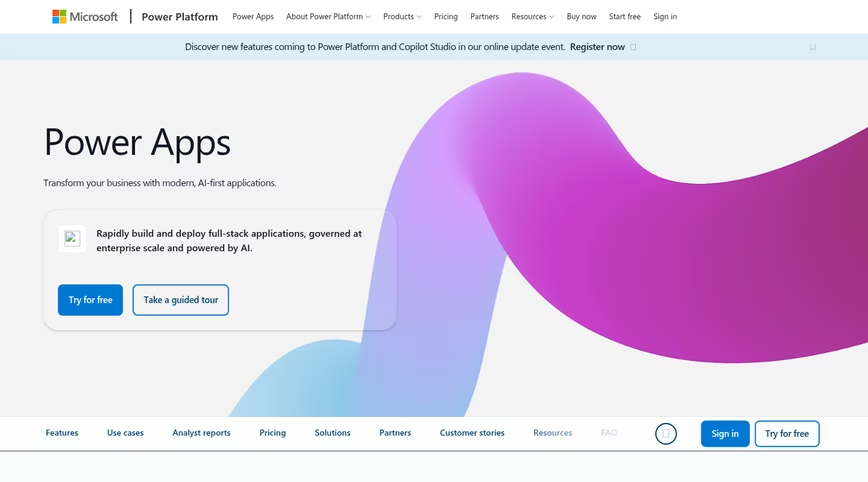
Microsoft’s Power Apps lives inside the Power Platform, where Copilot sketches an app from a description, Dataverse holds the records and governance flows from the same tenant IT already administers. For an organization living in Microsoft 365, the integration with Teams, SharePoint, Excel and Dynamics is the reason to choose it, and G2 reviewers, who rate it 4.3 across 570 write-ups, single out that fit above all.
Those reviewers also describe a hard climb past simple forms, sluggish performance once datasets get big, and a bill that rises with adoption. Premium runs $20 per user monthly, dropping to $12 for commitments of 2,000 seats or more, and external clients or partners who log in need licenses or pay-as-you-go charges, which works against a customer portal.
Key features
Copilot-driven app generation
Dataverse with enterprise governance and data-loss policies
Power Automate for workflows
Deep Microsoft 365 and Dynamics integration
Key integrations
SharePoint
Microsoft Teams
Excel
Dynamics 365
Starting price: Free developer plan. Premium $20 per user a month ($12 at 2,000-plus seats); pay-as-you-go $40 per active user per app a month.
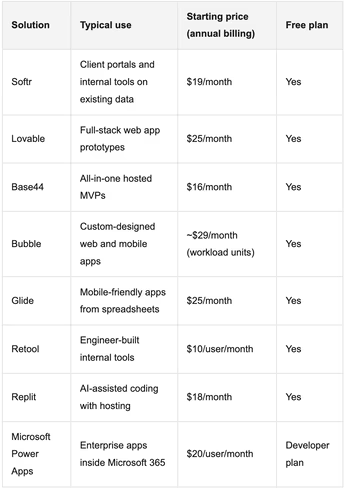
Best AI app builders at a glance Credit: TNW
What kind of apps can you build with an AI app builder
The platforms above serve very different app types, so match the tool to the work your team does:
Operations: Vendor onboarding portals, approval routing, request intake, inventory and asset trackers, ERP-style systems that replace a stack of spreadsheets
Customer-facing teams: Client portals with document sharing and status updates, partner and dealer hubs, investor portals with per-user visibility
Sales and marketing: Lightweight CRMs, campaign trackers, lead-capture forms feeding a database, content calendars
Product and founders: MVPs and demos for a new SaaS idea, where exportable code and a standard stack matter more than governance
Engineering: Admin panels, support consoles and data dashboards wired to production databases
How to choose the best AI app builder
Where does the data live today? If it’s in Airtable, HubSpot, a SQL database or Sheets, prefer a platform that connects to it in place. Migrating data to satisfy a builder is a project nobody budgeted for.
Who logs in? Internal staff only, or clients, vendors and partners too? External users need real logins and record-level permissions, and they shouldn’t cost a seat each.
Who changes the app in month three? If the answer is a non-technical owner, a visual editor that works without credits or code matters more than any generation demo.
Do AI app builders work for real business apps? For business apps, yes, provided the platform generates the data model and the access rules along with the interface. Tools that only generate a front end leave the hard part for later.
Is there a free AI app builder? Seven of the eight platforms here have a free plan; only Power Apps limits its free tier to developers. Free plans differ in what they cap: Softr caps app users and records, Lovable and Base44 cap credits, Bubble caps workload units.
What will IT ask? SOC 2, GDPR, data residency, SSO and audit logs are quick to check on a vendor’s security page and slow to retrofit.
Benefits of AI app builders for business teams
Days, not quarters: A working internal tool or portal that would have waited months in an engineering queue can go live the same week.
No developer dependency: Operations and customer teams own their tools end to end, and engineers get their backlog back.
Cheaper than shelf software: Teams stop paying for large suites they use a tenth of and build the exact workflow they need.
Faster changes: A new field, a new role or a new automation is an edit rather than a ticket.
AI inside the app: The better platforms don’t stop at generation; assistants and agents run in the finished app, answering questions from live data or enriching records on a schedule.
Choosing among the best AI app builders for your team
For a business team, the first cut is easy: does the platform build on your data with roles from day one, and can you change the result without an engineer? Softr leads the eight for that reason, with an AI Co-Builder that returns database, pages and permissions together, connections to the tools a company already runs on, Frankfurt hosting backed by SOC 2 Type II, and a bill that counts app users. Glide has an advantage for mobile-first use cases, while Bubble offers greater front-end design freedom for highly customized interfaces. Retool’s version control and audit logs can suit engineering teams, although its technical setup is more complex
Get the TNW newsletter
Get the most important tech news in your inbox each week.
Sponsored content. Not produced by the TNW newsroom and does not reflect the editorial stance of TNW. This listing is not an independent editorial ranking.

 Credit: Jack_the_sparow via Shutterstock